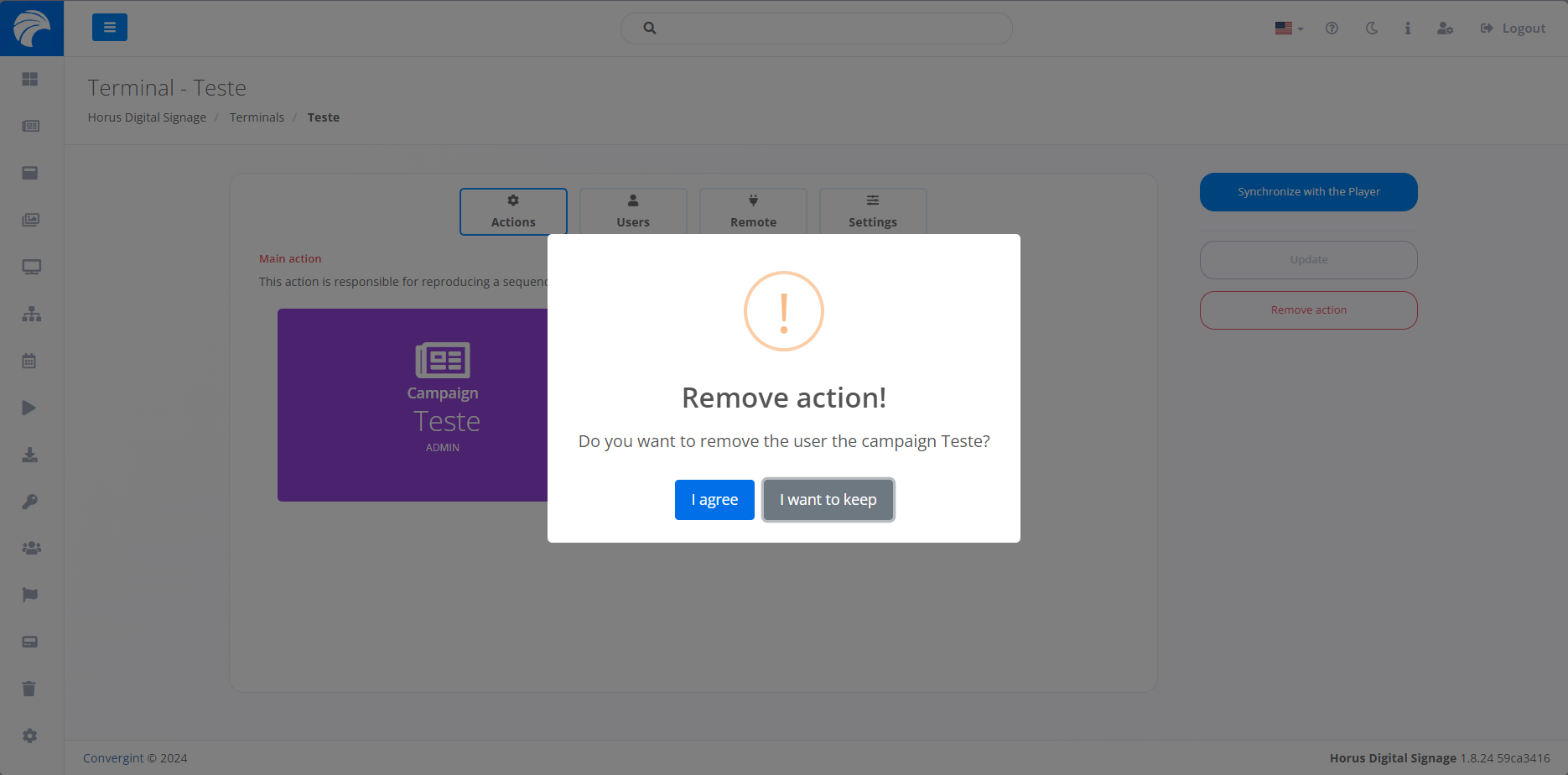
Removing an Action
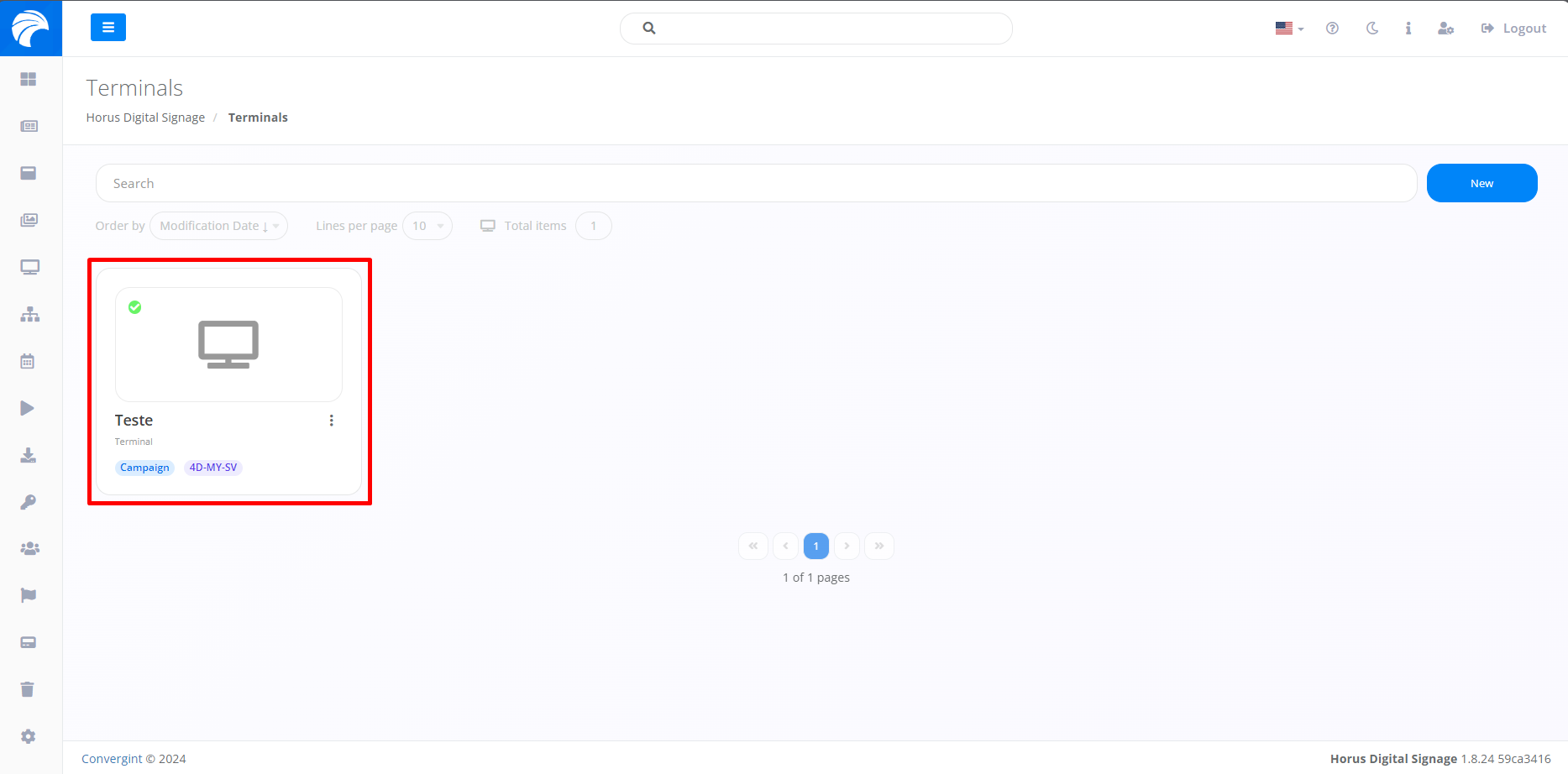
By following the topic described previously, the Terminal will be registered. To remove an Action from the Terminal, you must access a previously created Terminal that you want to remove the Campaign.
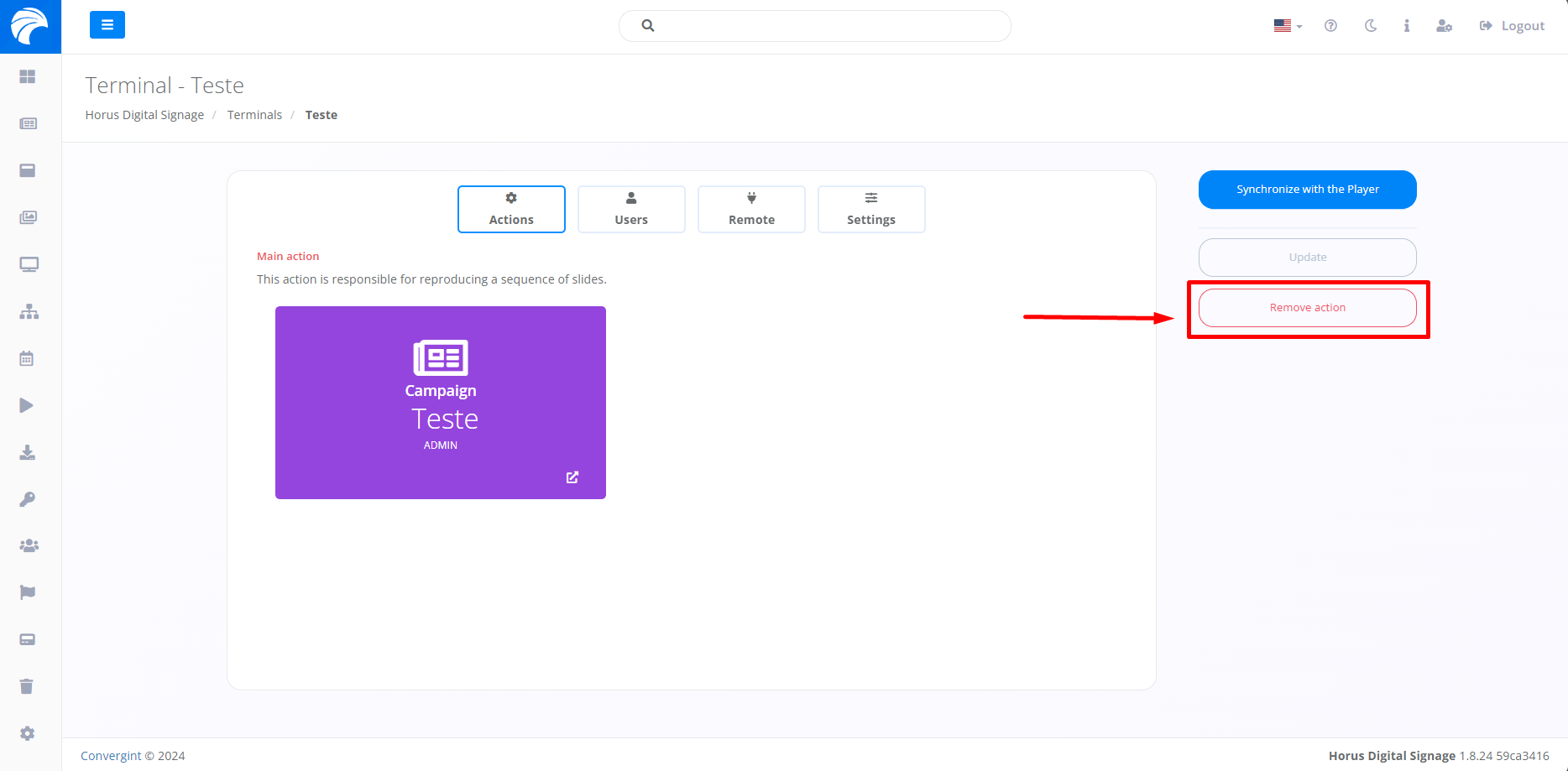
After creating or accessing a Terminal, the system will display the Terminal Interface, where you can remove the action by clicking “Remove action”.
After clicking Remove Action, a pop up will appear asking for confirmation before proceeding with each function.
Example of deleting the campaign action: