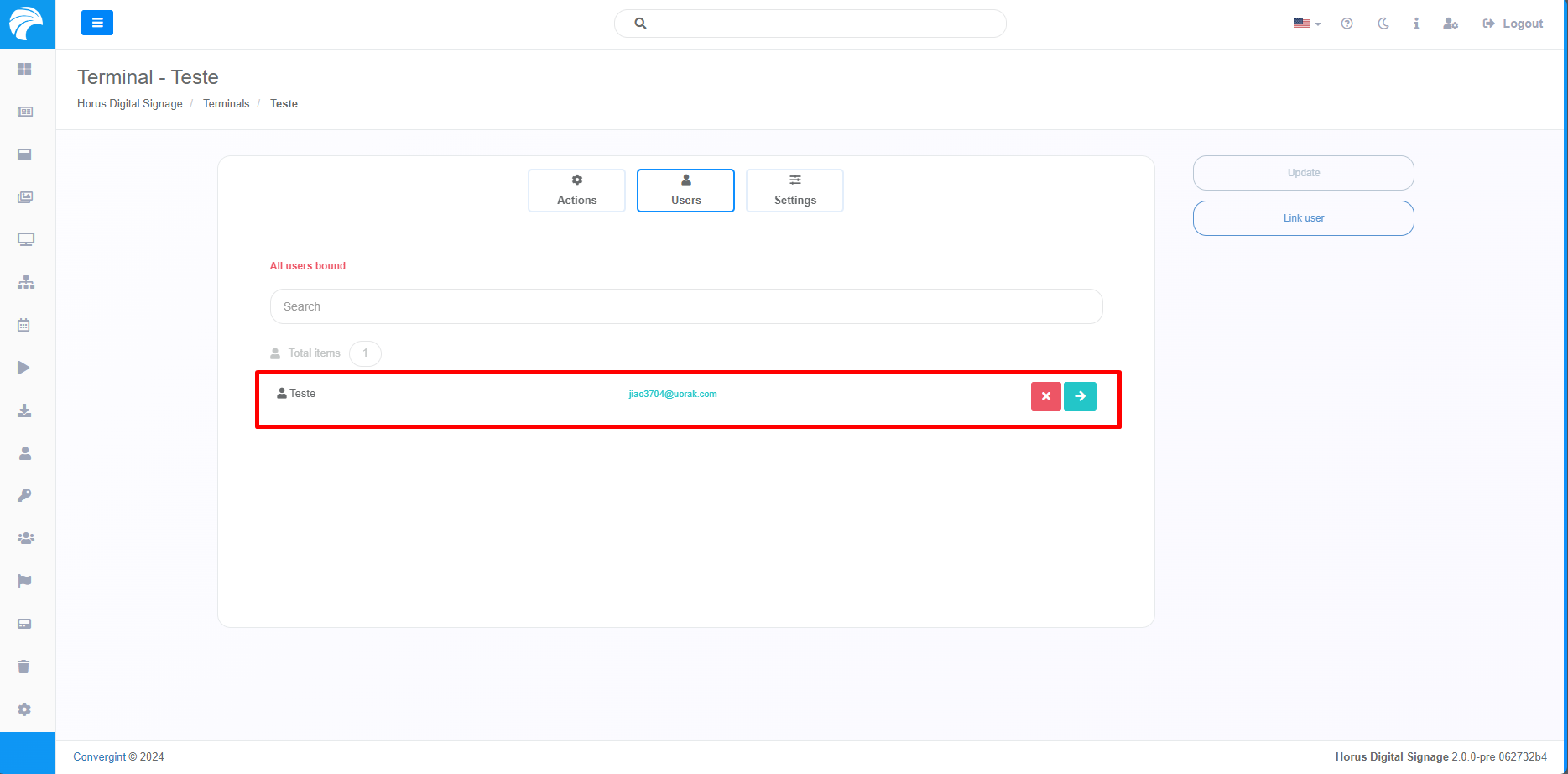
Linking and Creating Users to Include in the Terminal
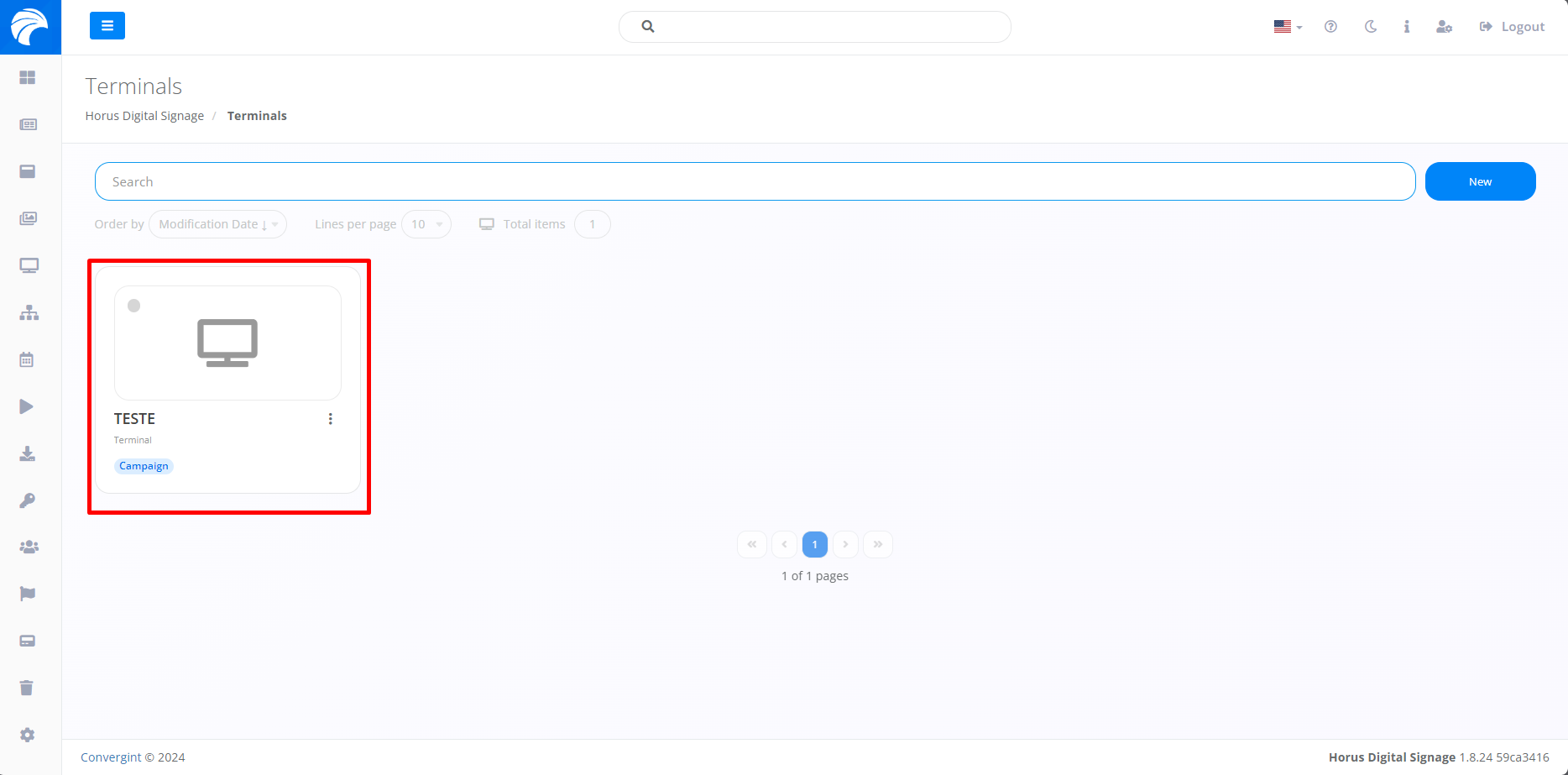
By following the steps described previously, the Terminal will be registered. To link an Operator, you must access a previously created Terminal in which you want to link the Operator, according to your preference.
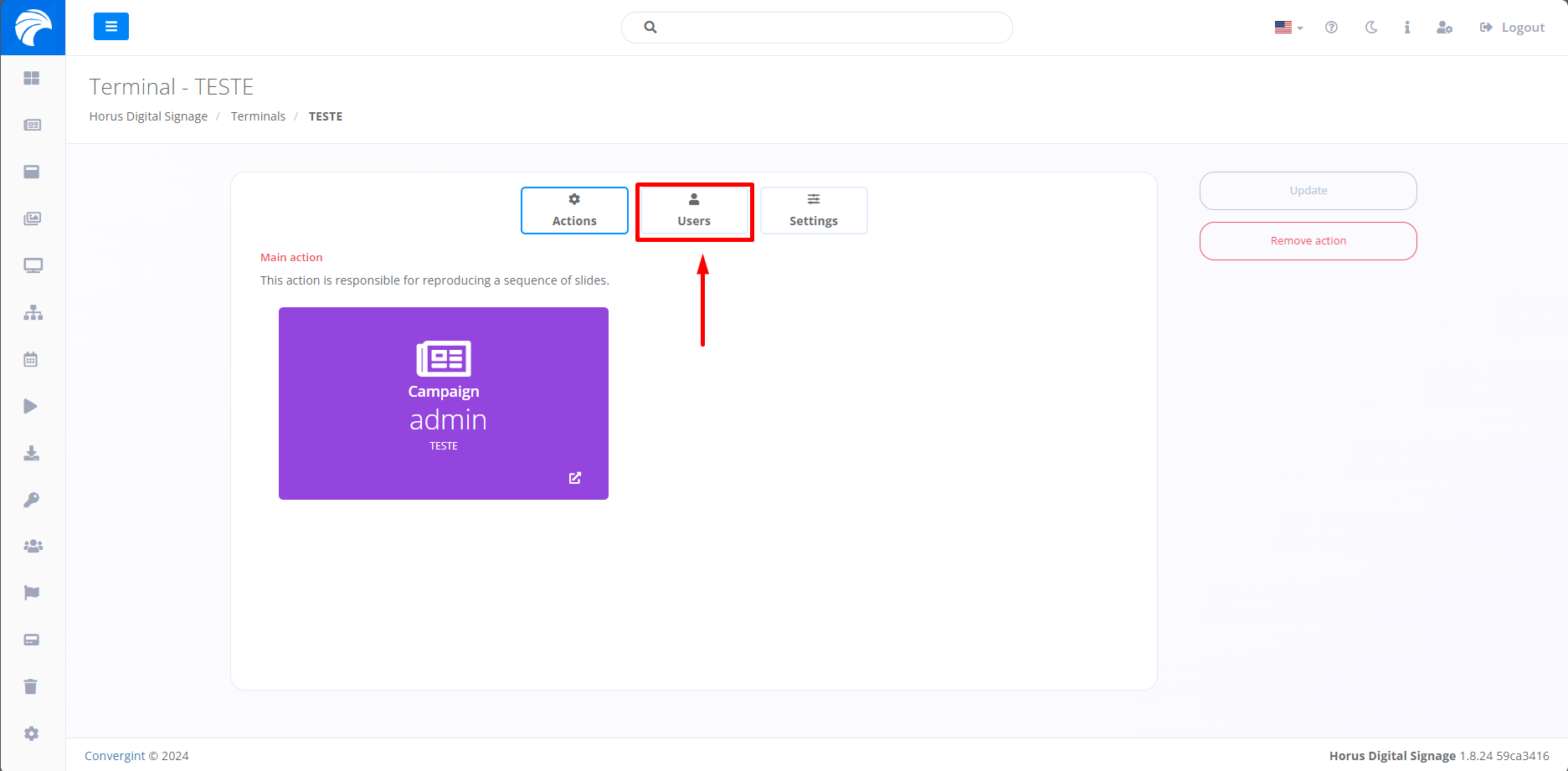
After creating or accessing a Terminal, the system will display the Terminal Interface, where it will be possible to link an Operator by clicking on the “Users” option.
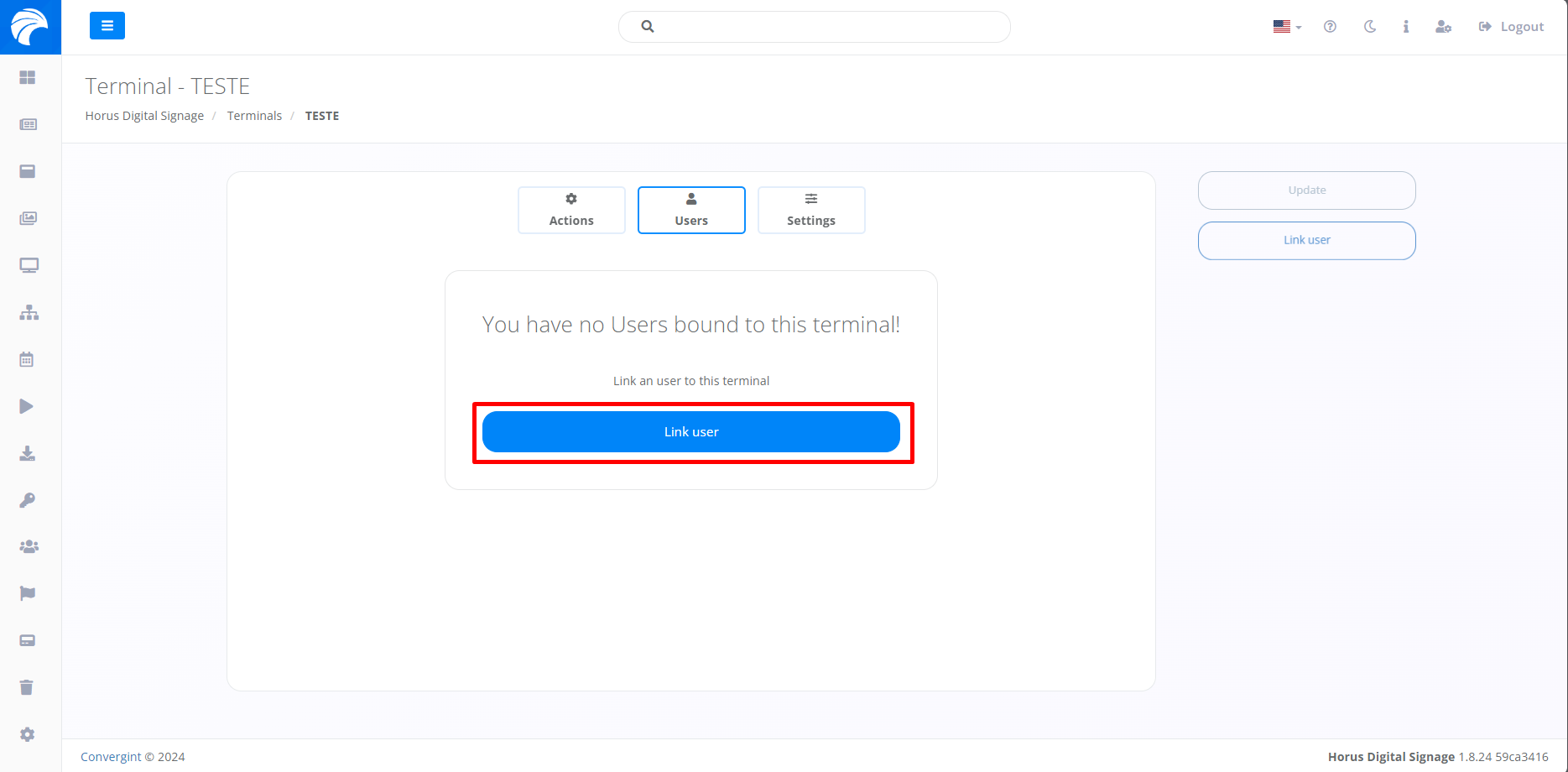
After accessing the Users option, you will need to click on “Link User”, so that the desired Operator can be linked.
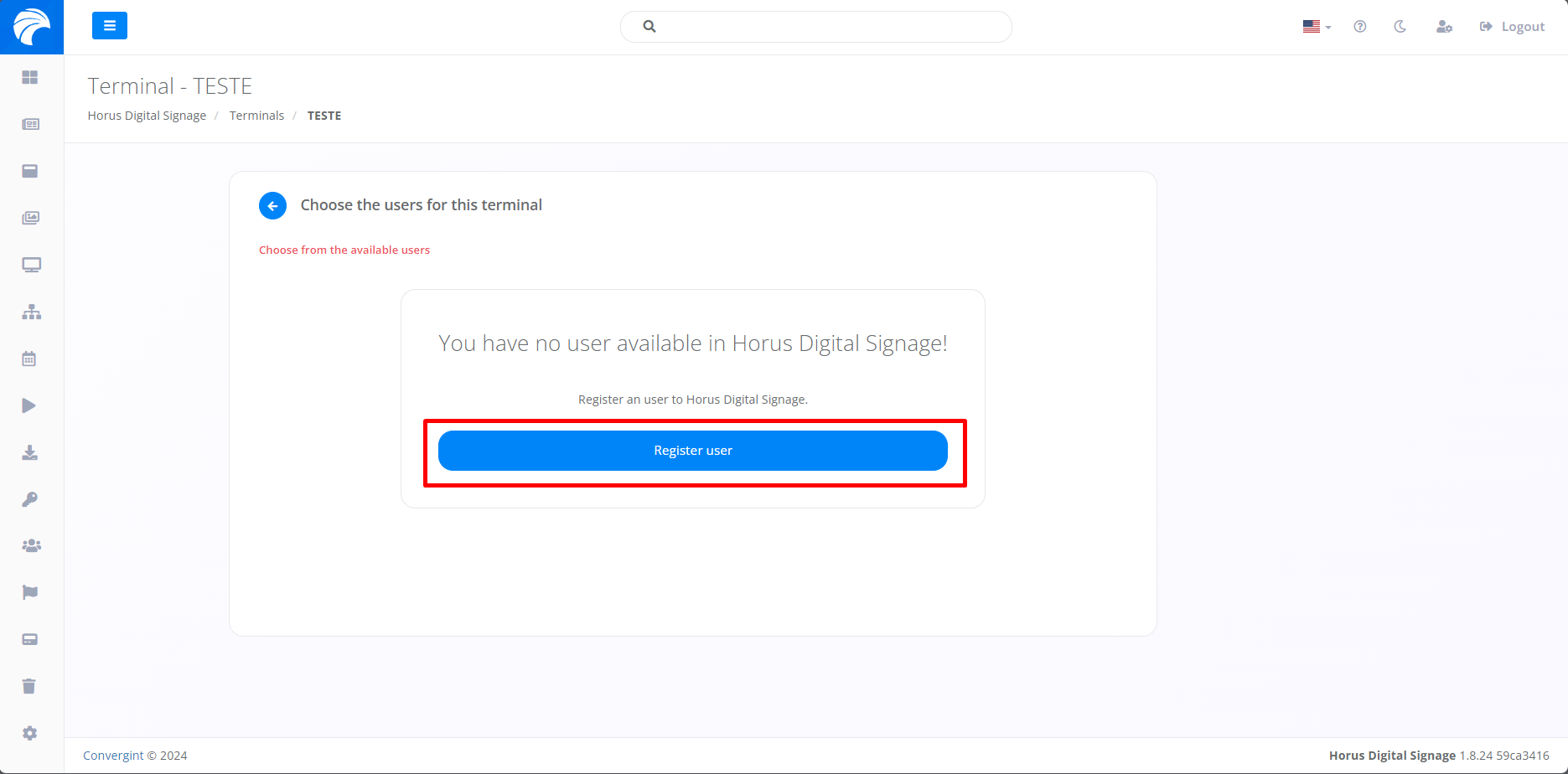
After clicking on Link User, you will need to click on “Register user”, so that you can add the appropriate Operator information.
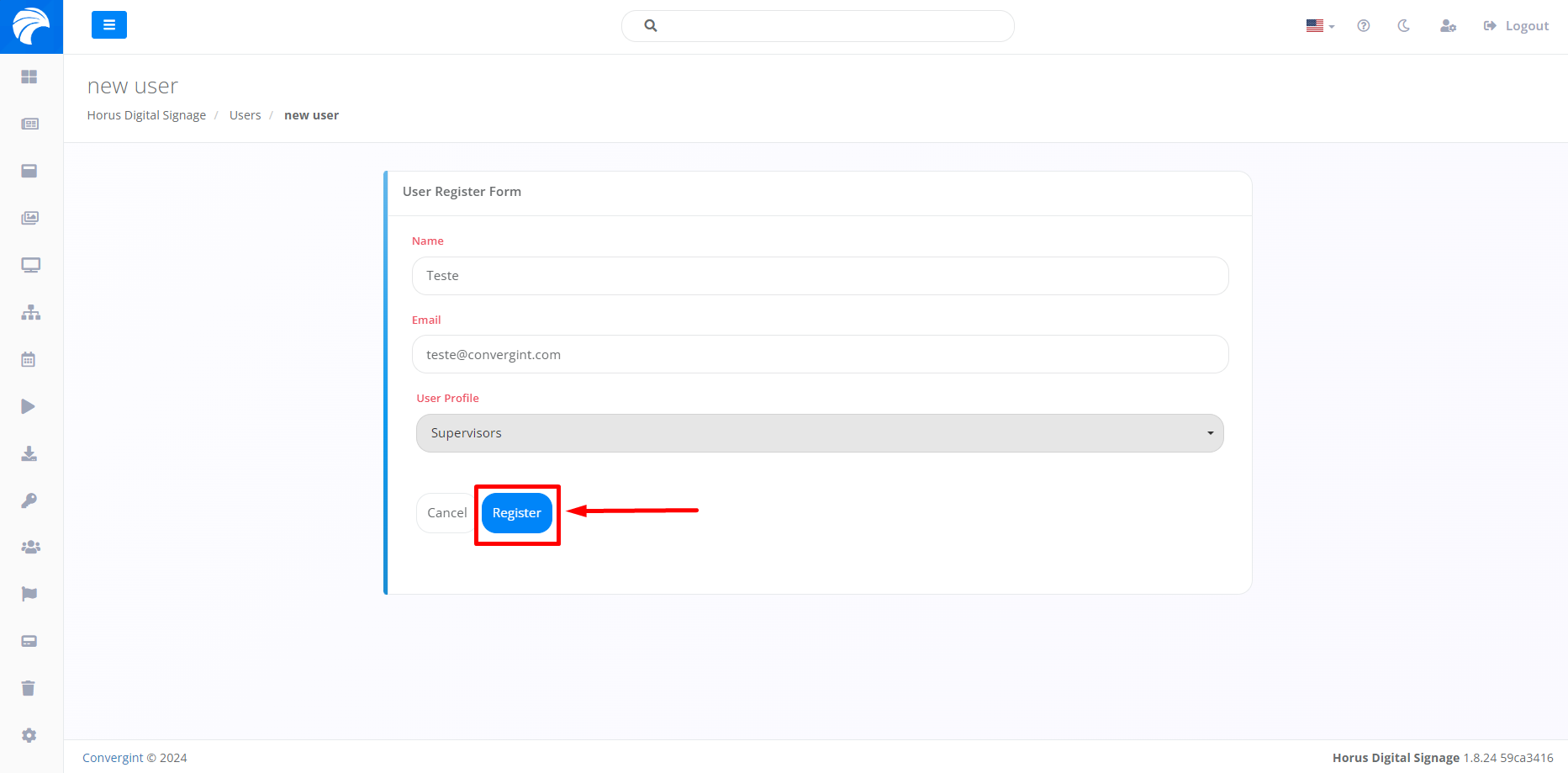
Next, you need to provide a Name and Email for the Operator and declare a user profile, which matches the user's permission, according to their preference. After following these steps, click on the "Register" button to save the registered Operator.
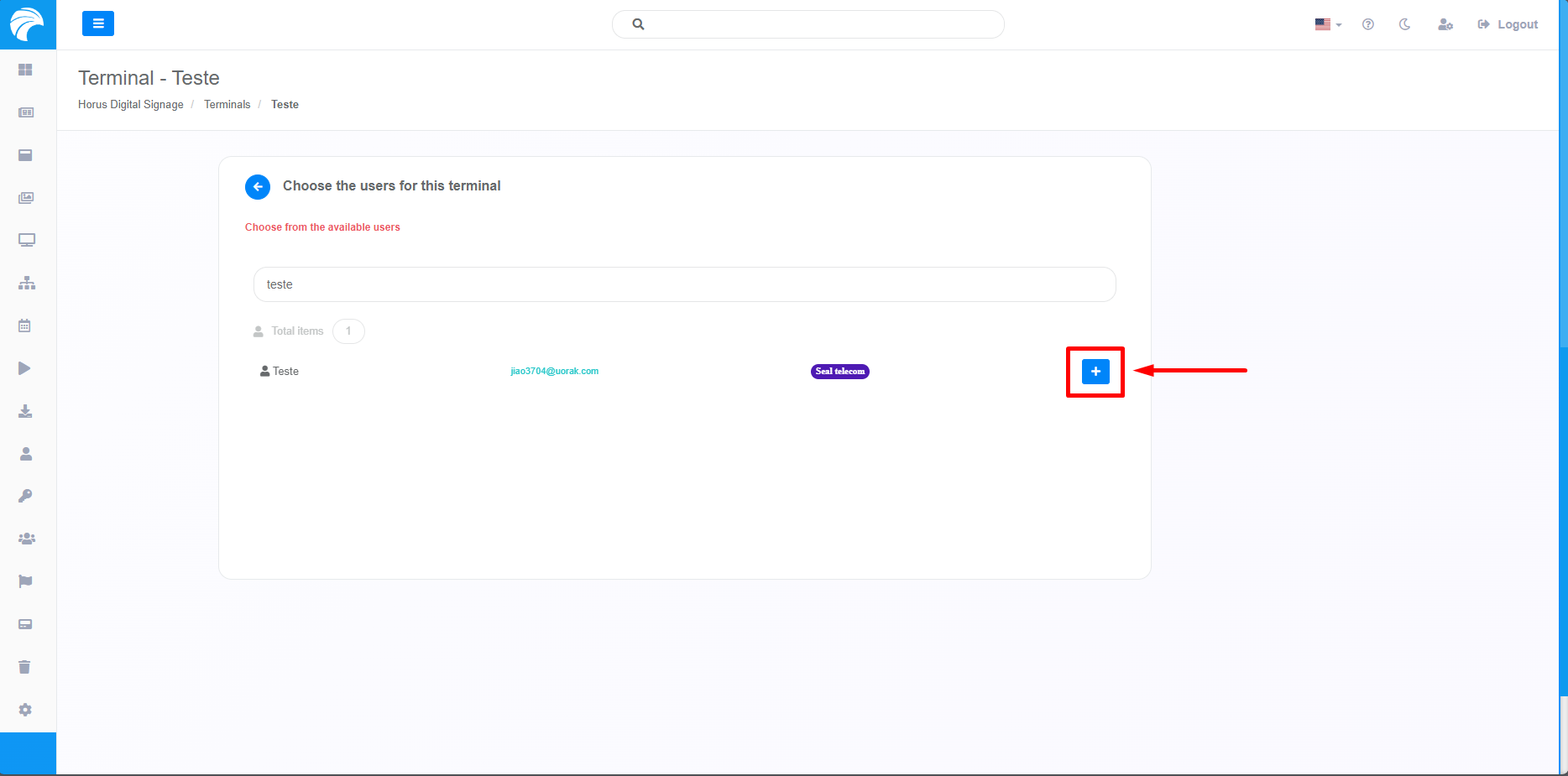
Once you have finished Registering the Operator, simply access the Terminal you were using previously and insert the Operator you previously registered by clicking on the button with the "+" icon associated with the Operator you want.
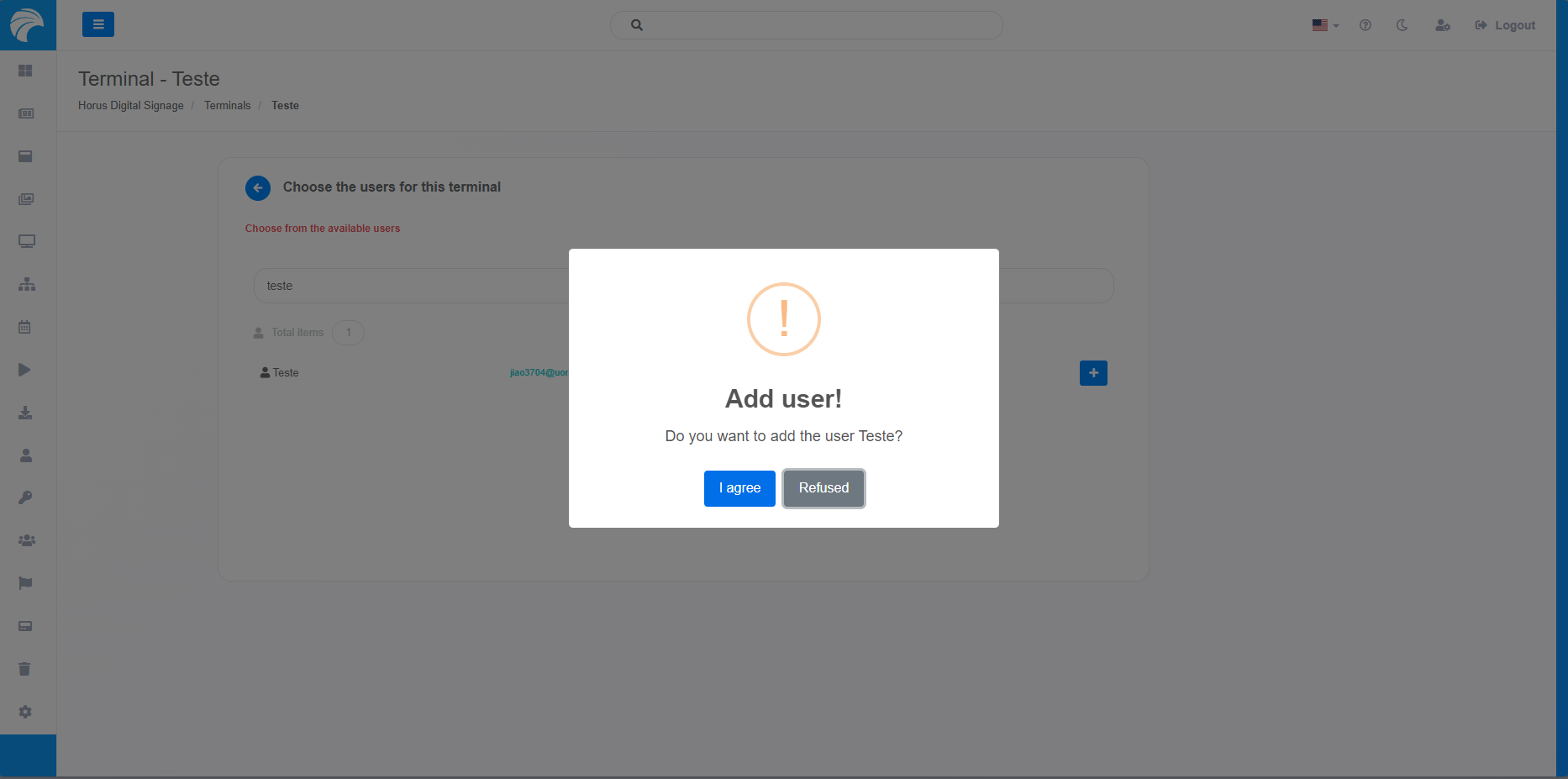
When selecting the User, a pop up will appear asking for confirmation before proceeding with each function.
After selecting the desired User, it will be associated with the Terminal in which it is integrated.