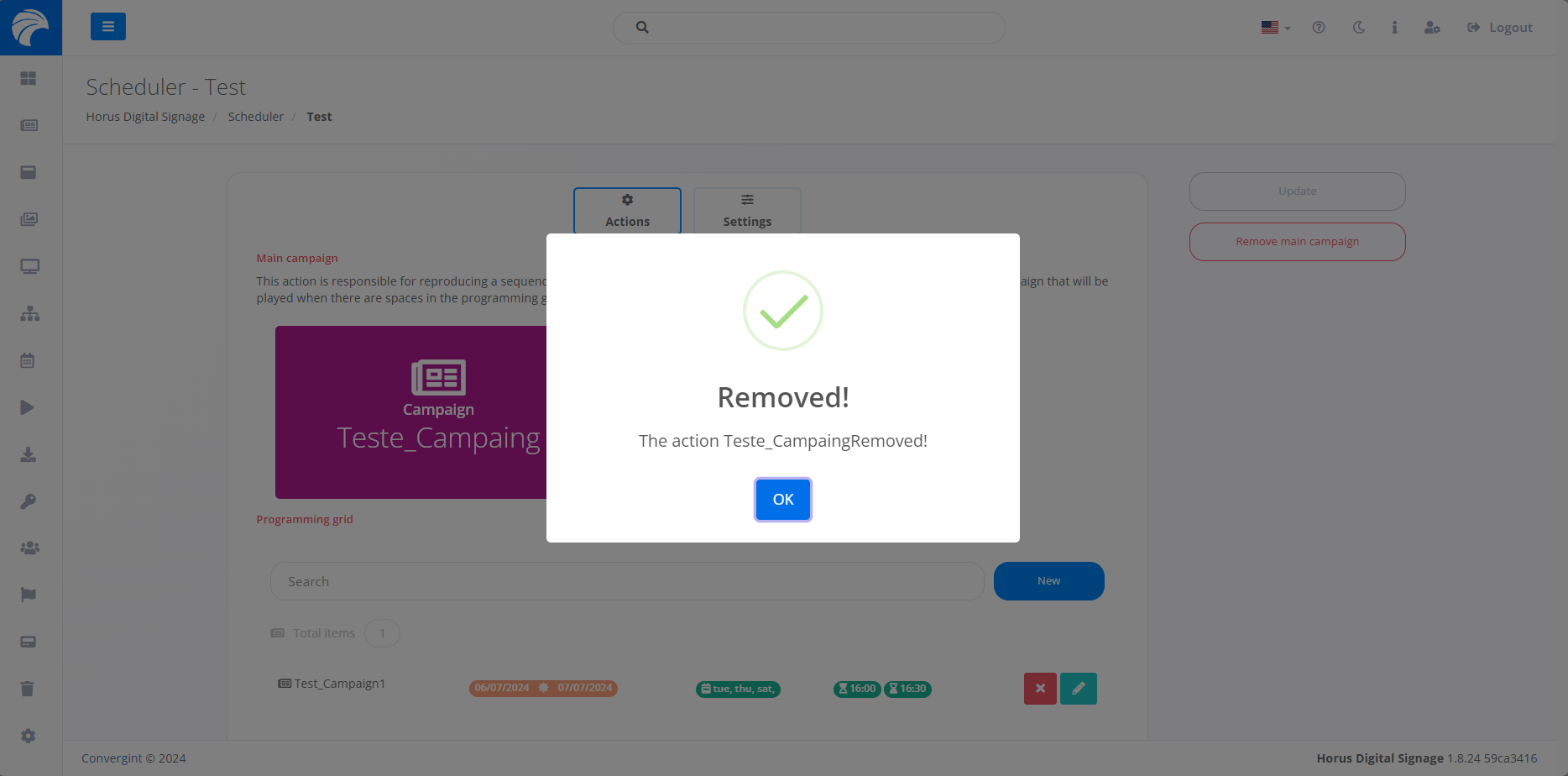
Removing a Main Campaign
By following the steps described above, the Schedule will be registered. To Remove a Main Campaign, you need to access a previously created Schedule that you want to Remove the Campaign from.
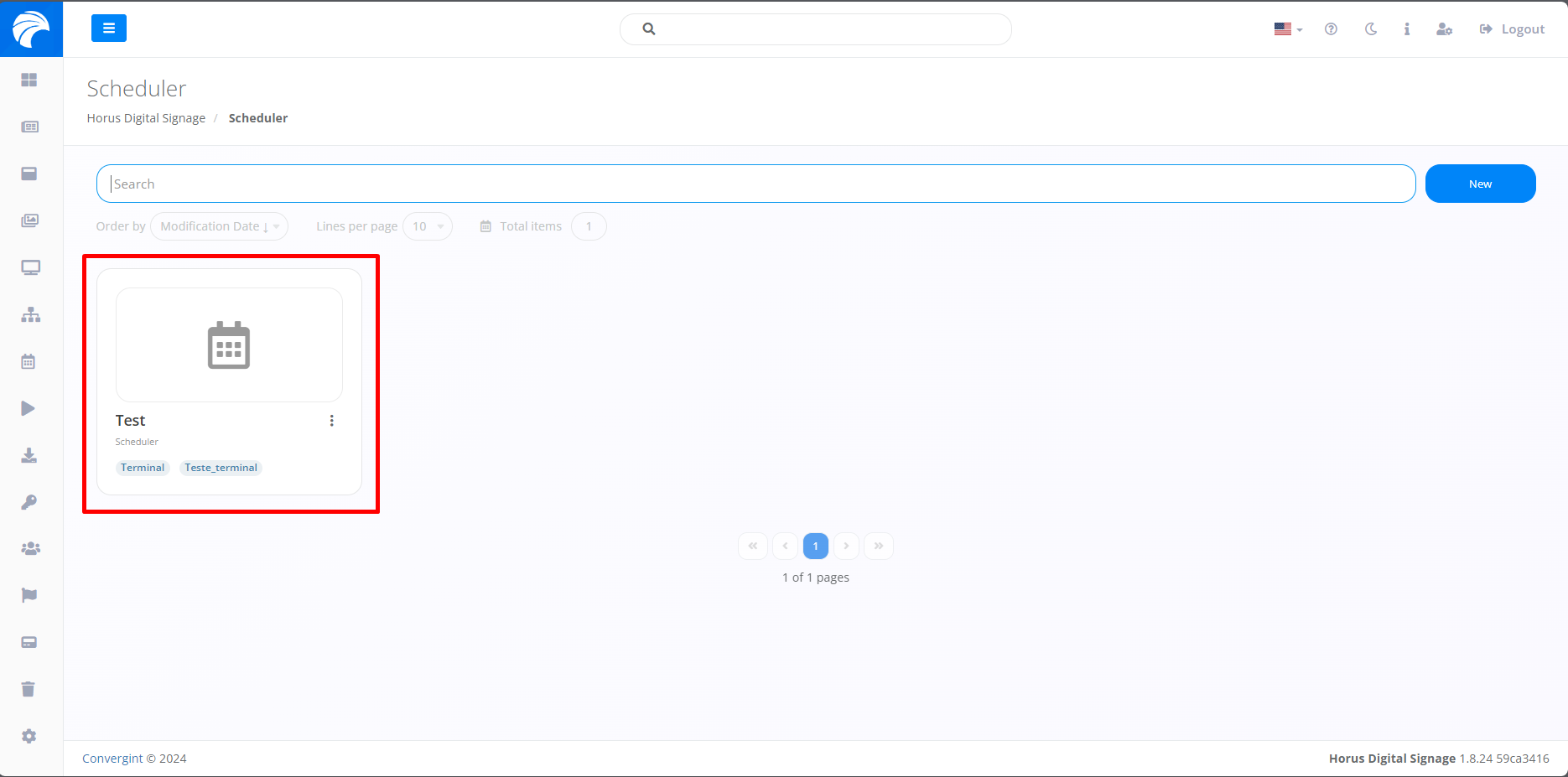
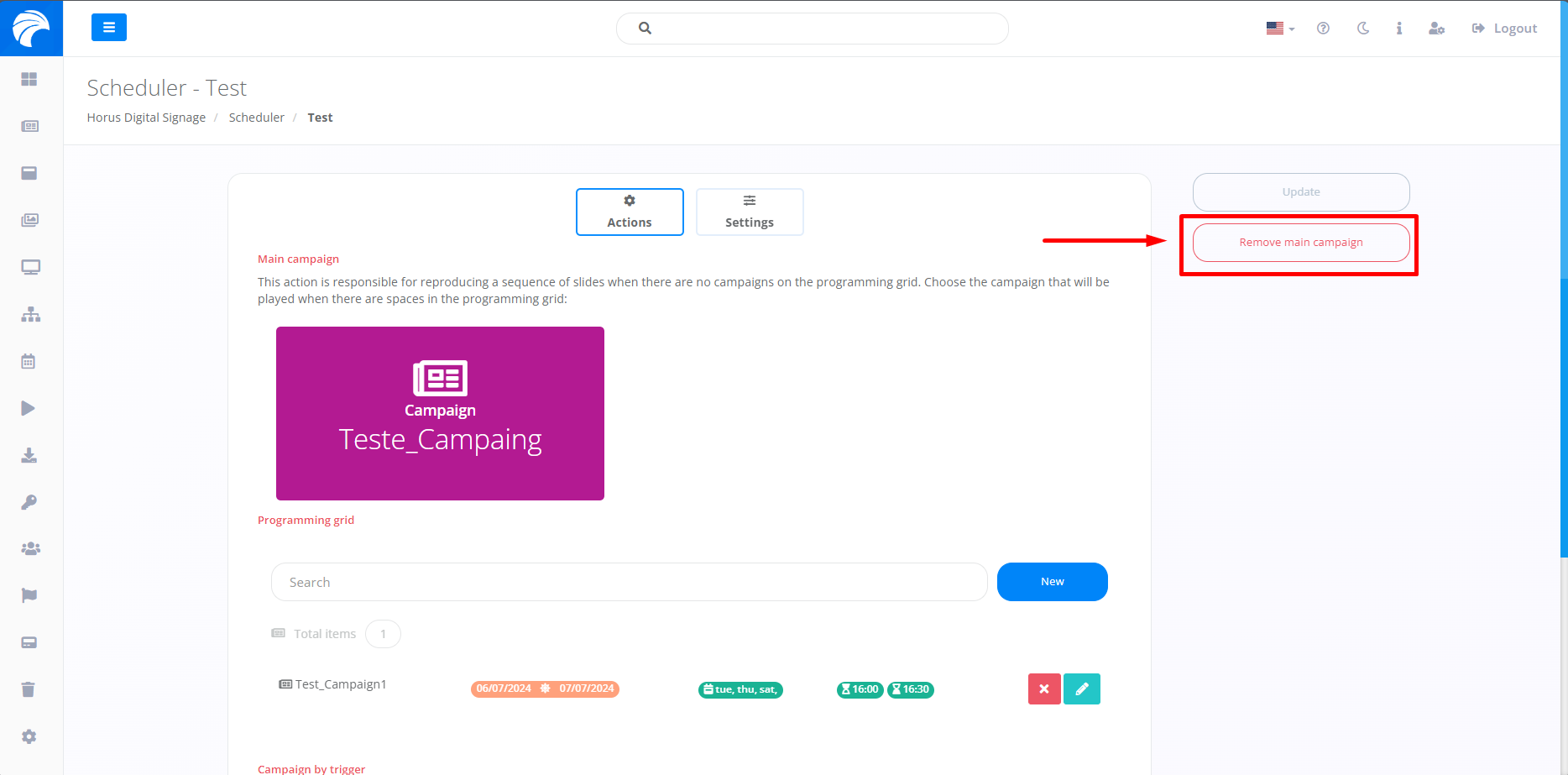
When you log in, the system will display the Scheduler Interface, where you can Remove the Main Campaign by clicking on "Remove Main Campaign".
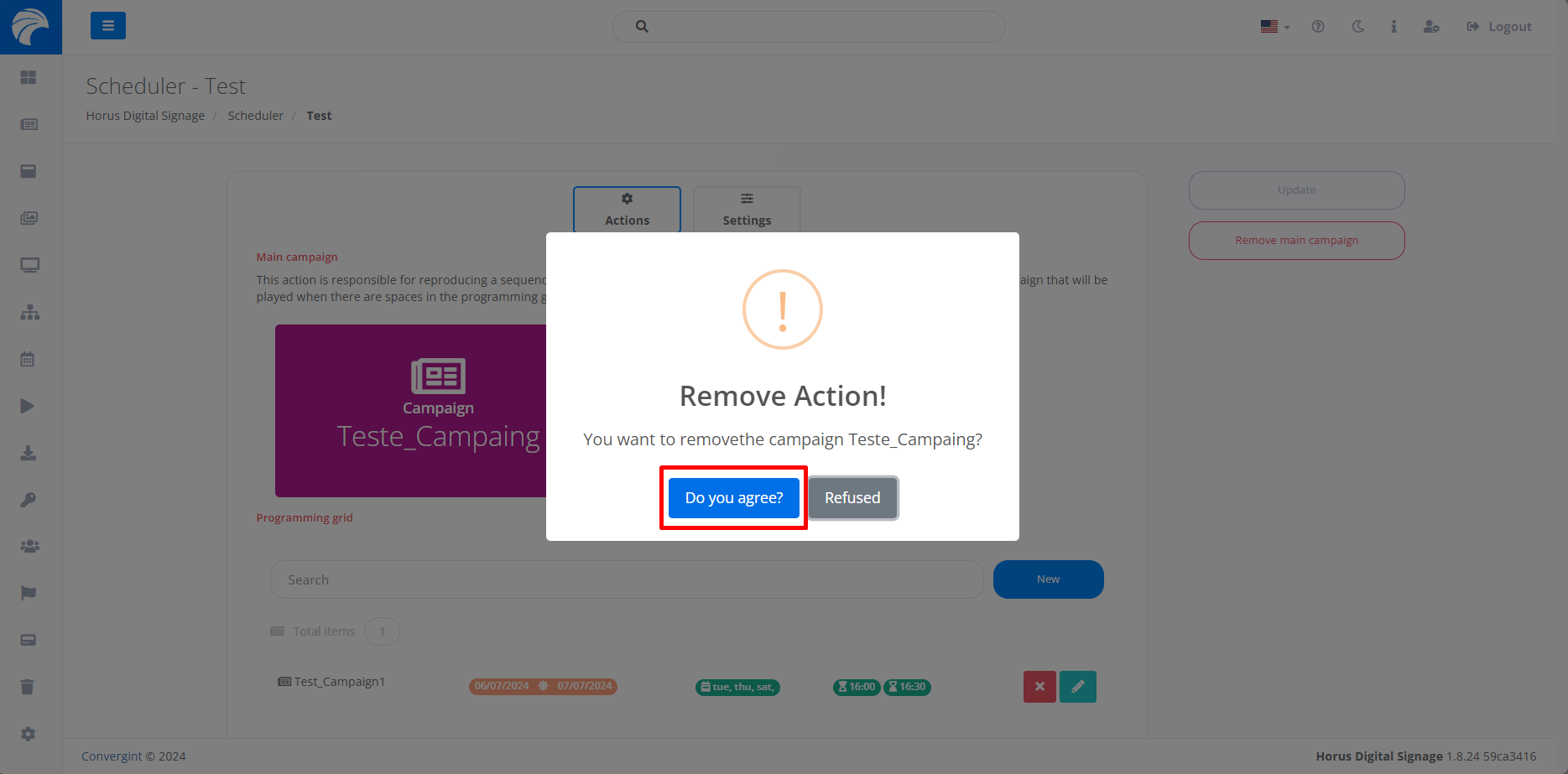
If you select the option, a pop-up will appear asking you to confirm before proceeding with the corresponding action. Then click on "Do you agree" to Remove the Main Campaign.
By clicking "Do you agree", the Main Campaign will be removed.