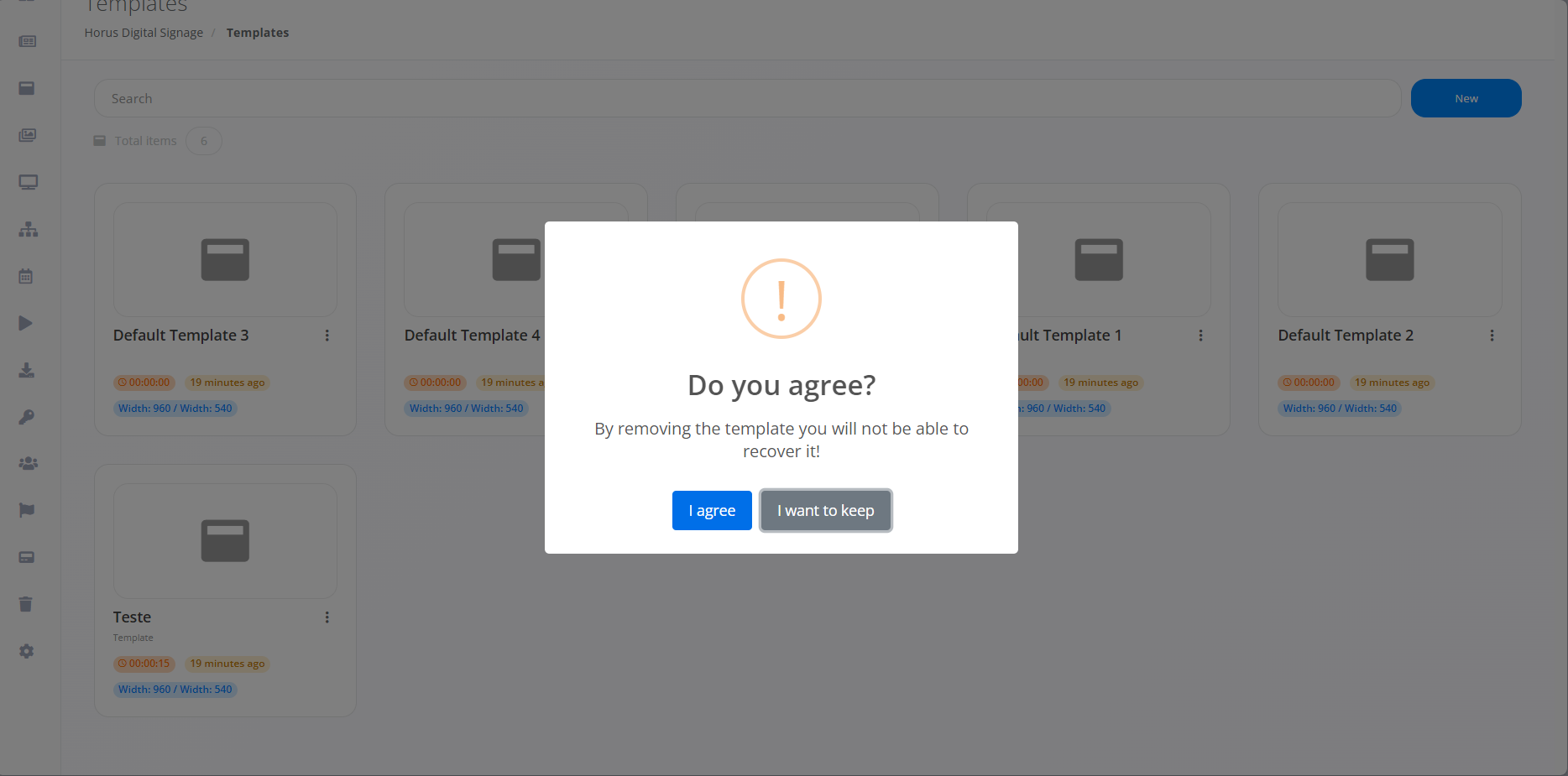
Template Removal and Duplication
By following the steps described previously, the template will be created. To remove the template, you need to click on the three dots located in the top corner of the template you want to remove.
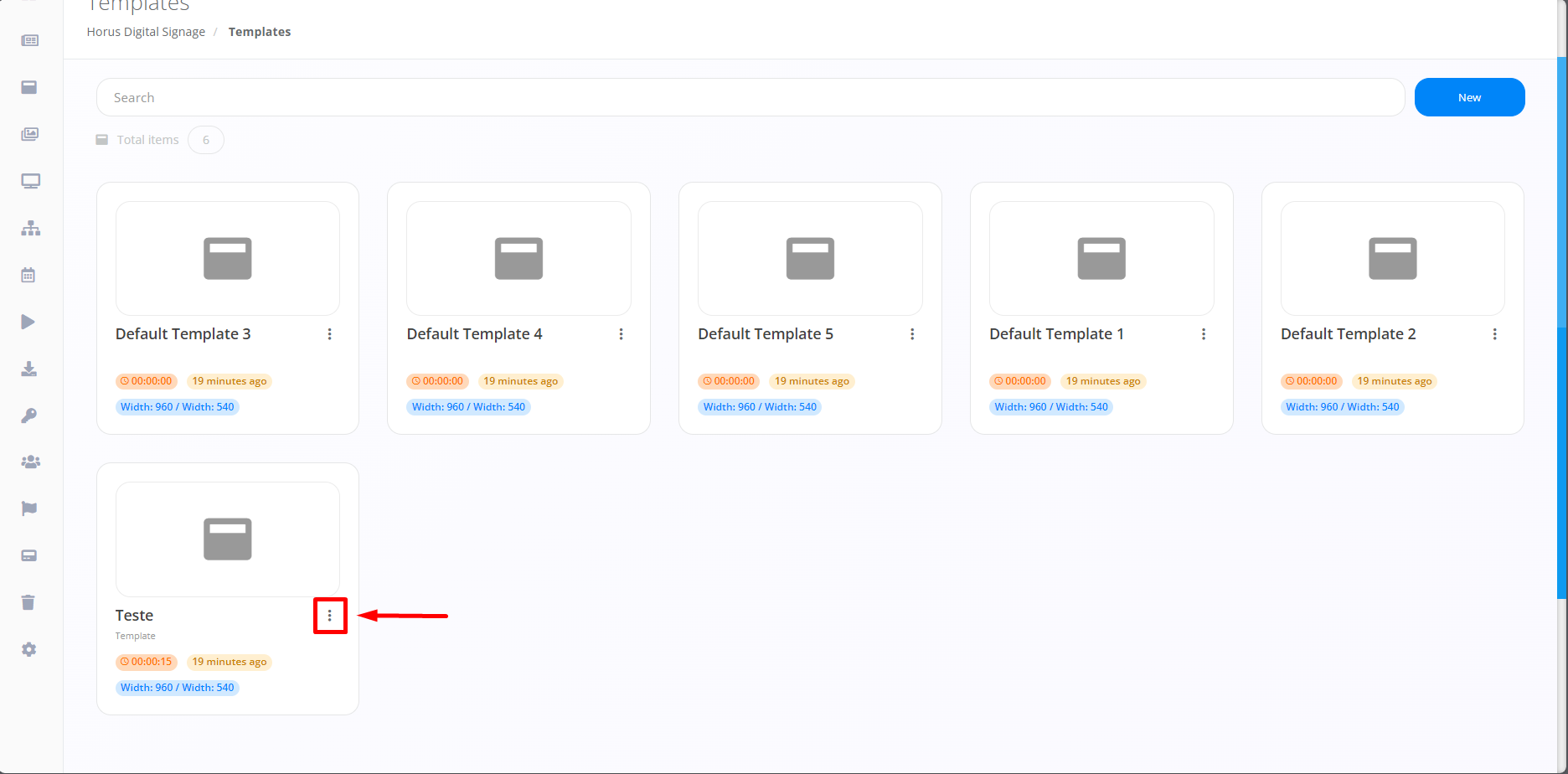
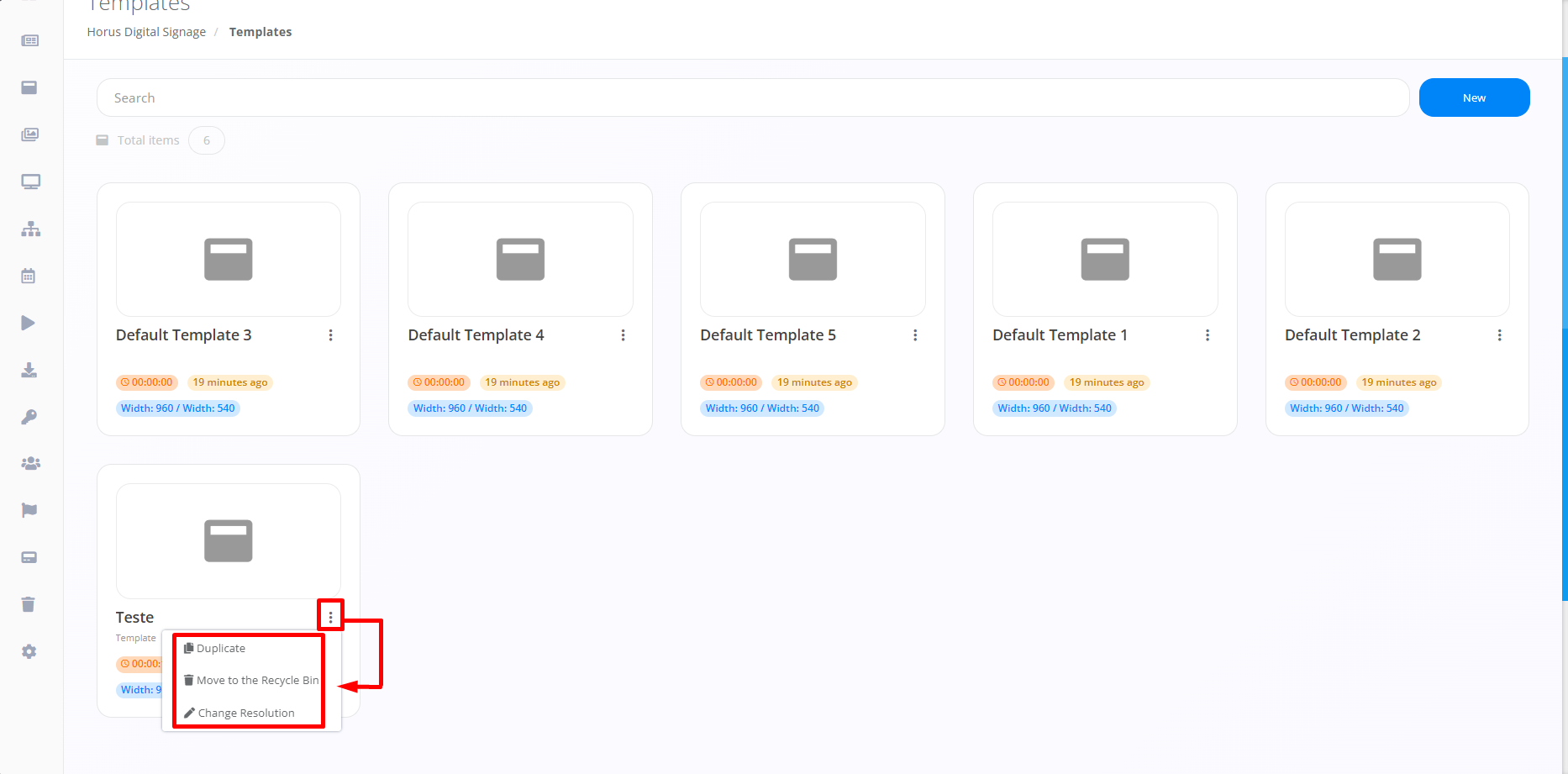
Immediately after clicking on the three points marked in the image above, the option to Duplicate, Remove and Change Resolution will be displayed, providing ease and alternatives to meet different objectives.
If you select an option, a pop-up will appear asking for confirmation before proceeding with each function. This applies to duplication, and Campaign deletion. Example of Template Duplication: