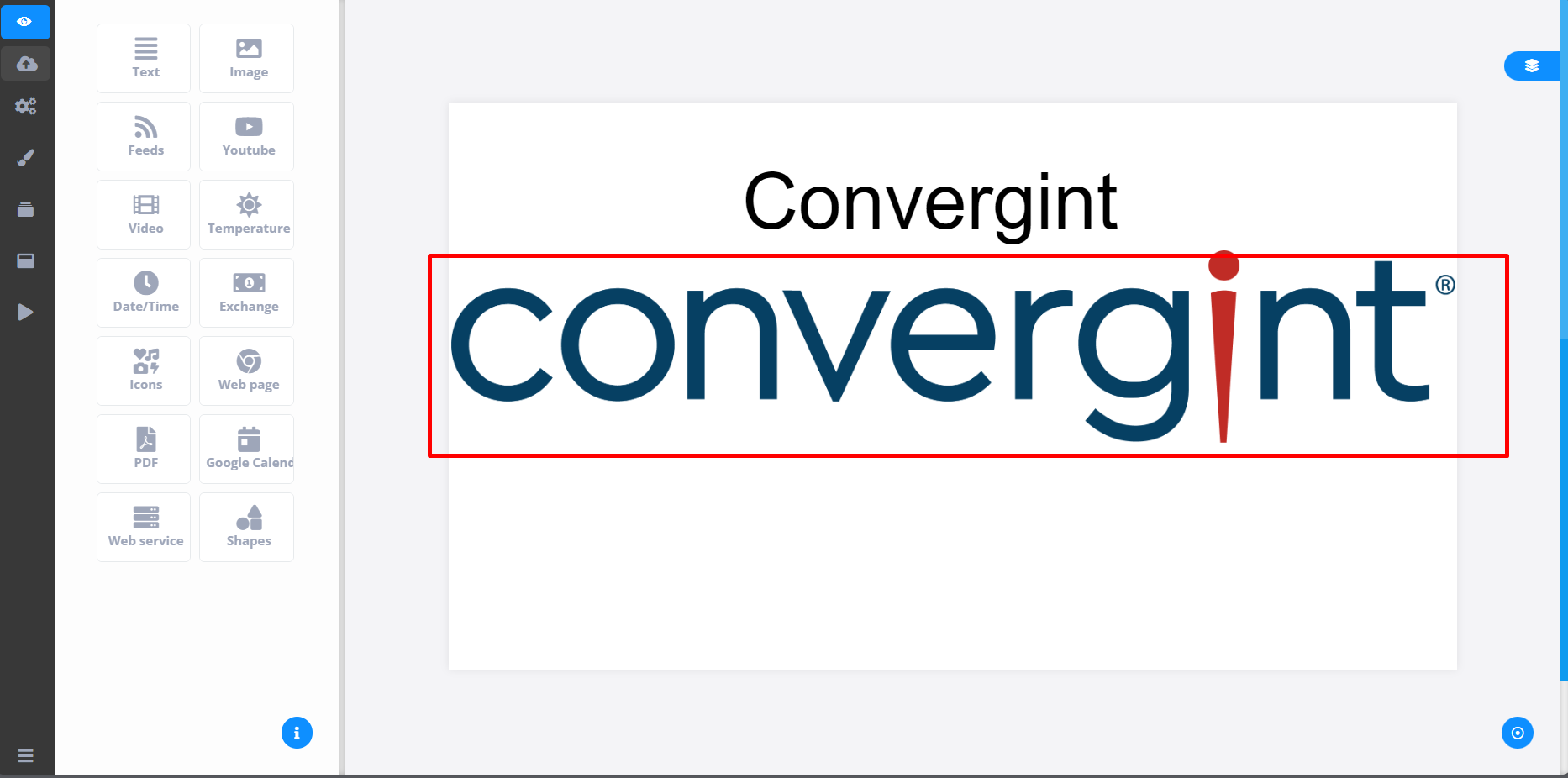
Adding a Template to the Campaign
By following the steps described above and customizing it according to your preference, the Template will be created. To insert a Template into a specific campaign, you need to check if there is a previously created Template that you want to include in the Campaign.
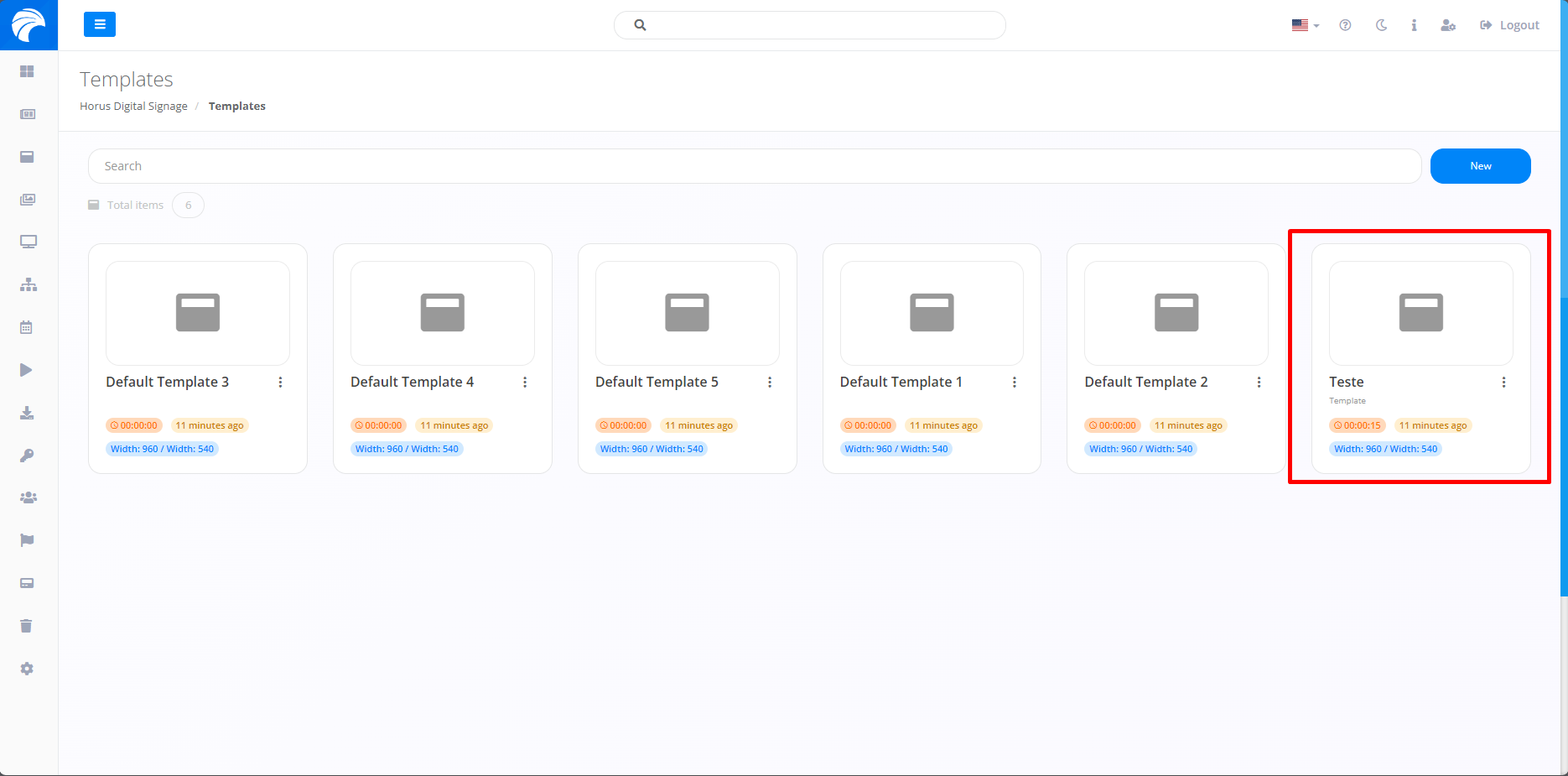
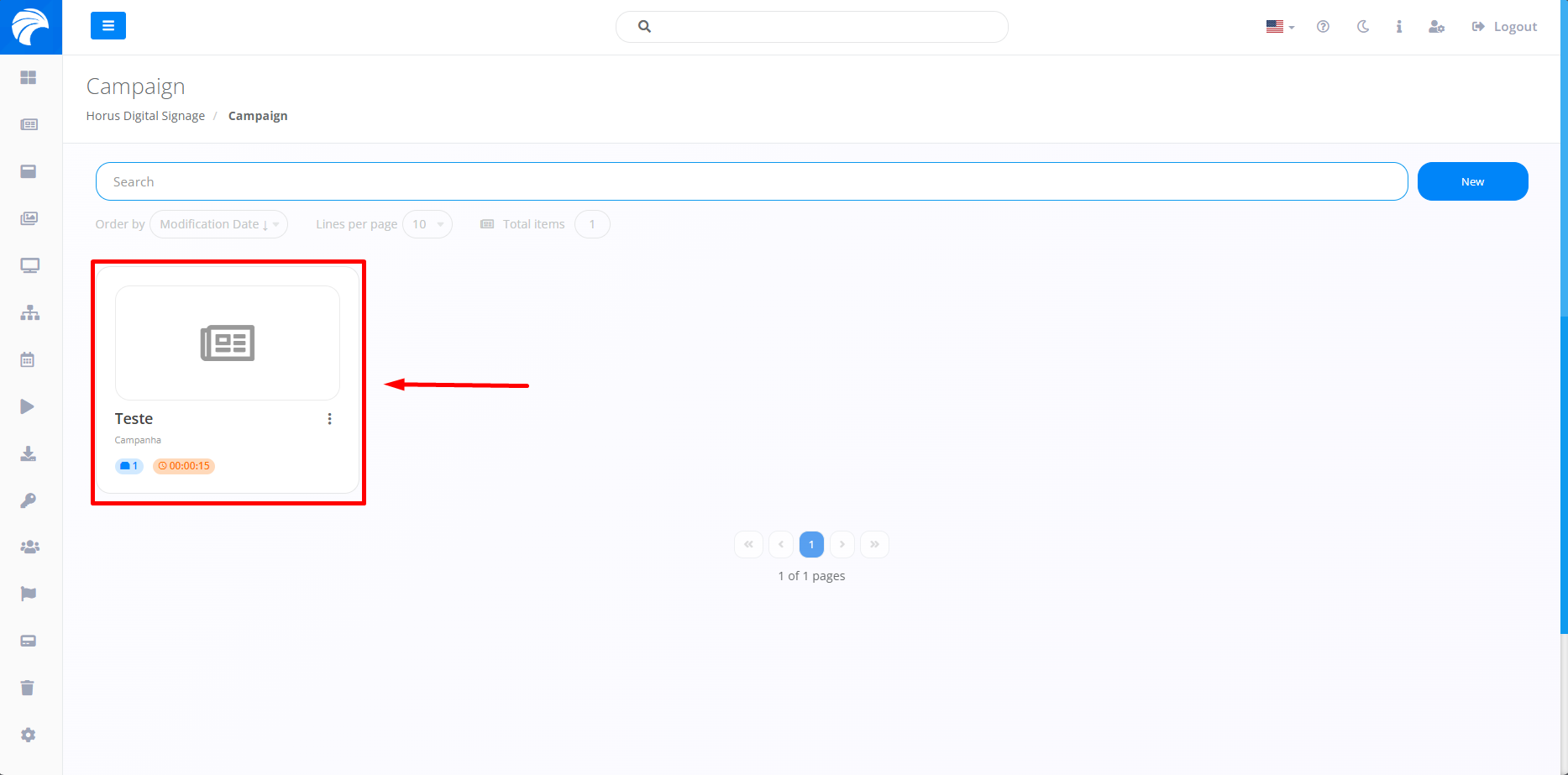
After checking if there is a Template, you will need to access the “Campaigns” tab and open a previously created Campaign or create one. Only then will the Campaign have access to the Template.
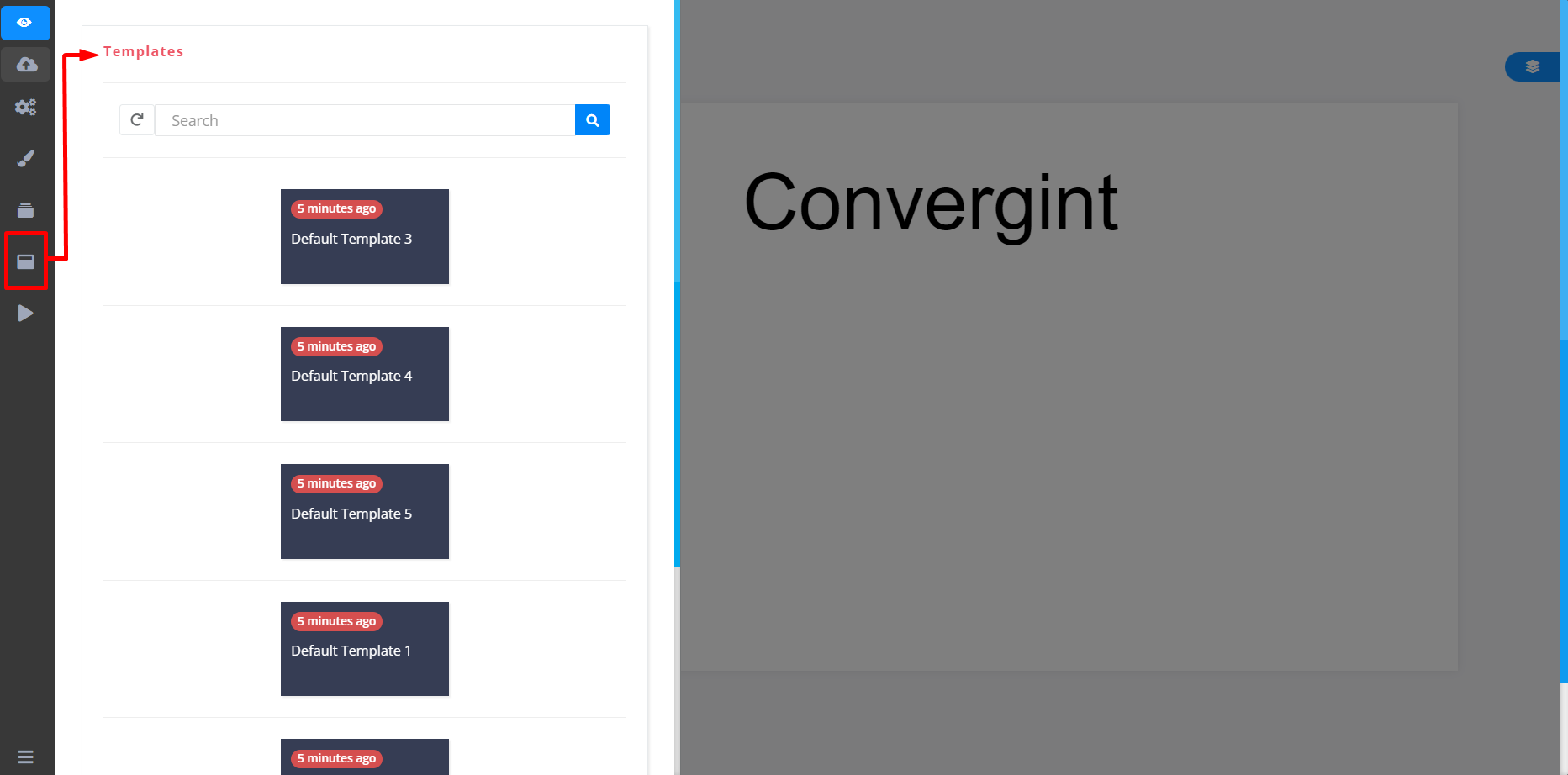
When accessing the campaign you want to insert, you will need to access the “Template” option located in the sidebar of the slide editor interface. Then select the desired template to insert into the campaign.
After choosing the Template you prefer, the Template's appearance will be reproduced on the Slide within the chosen Campaign.