Changing User Information
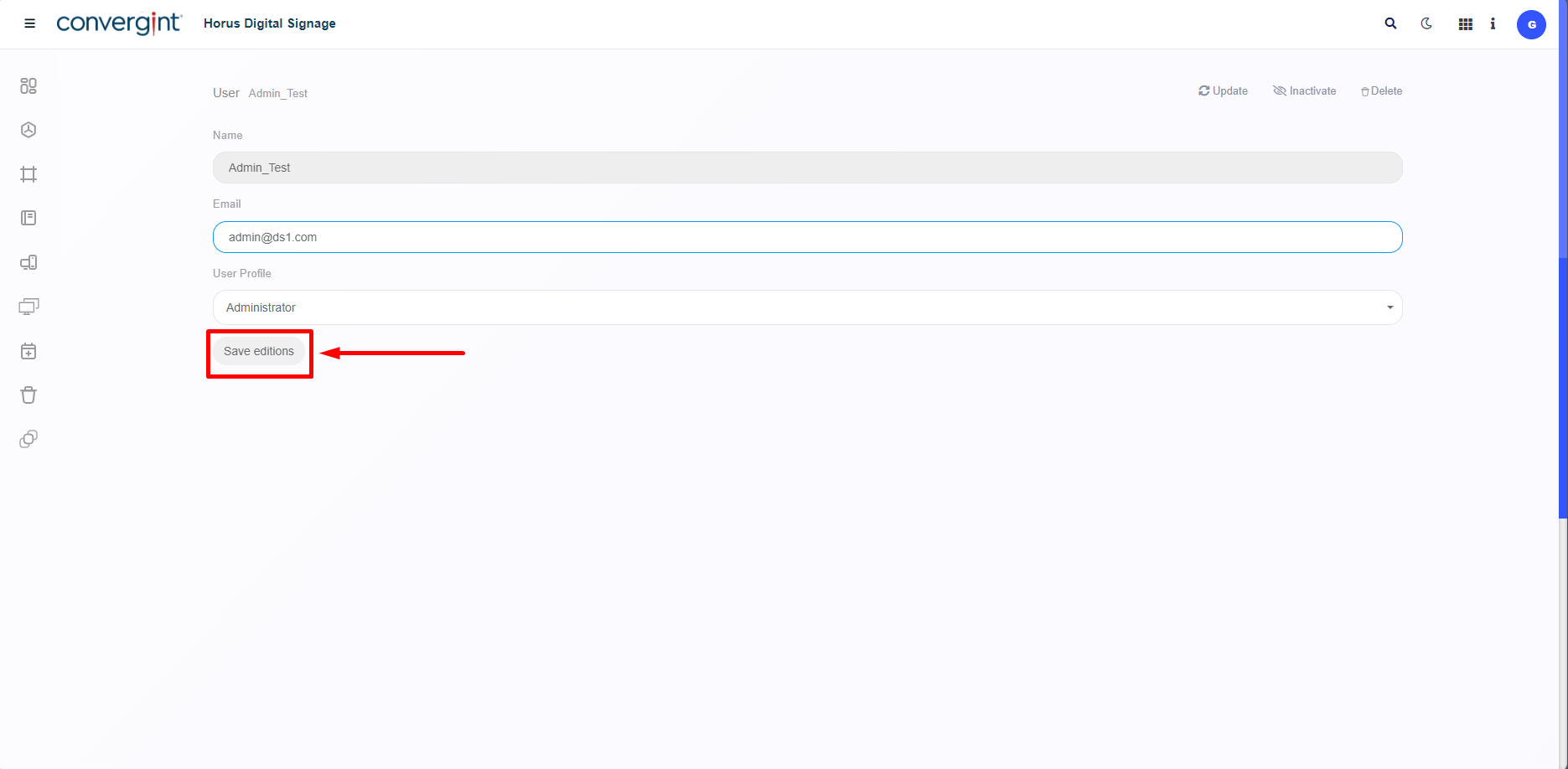
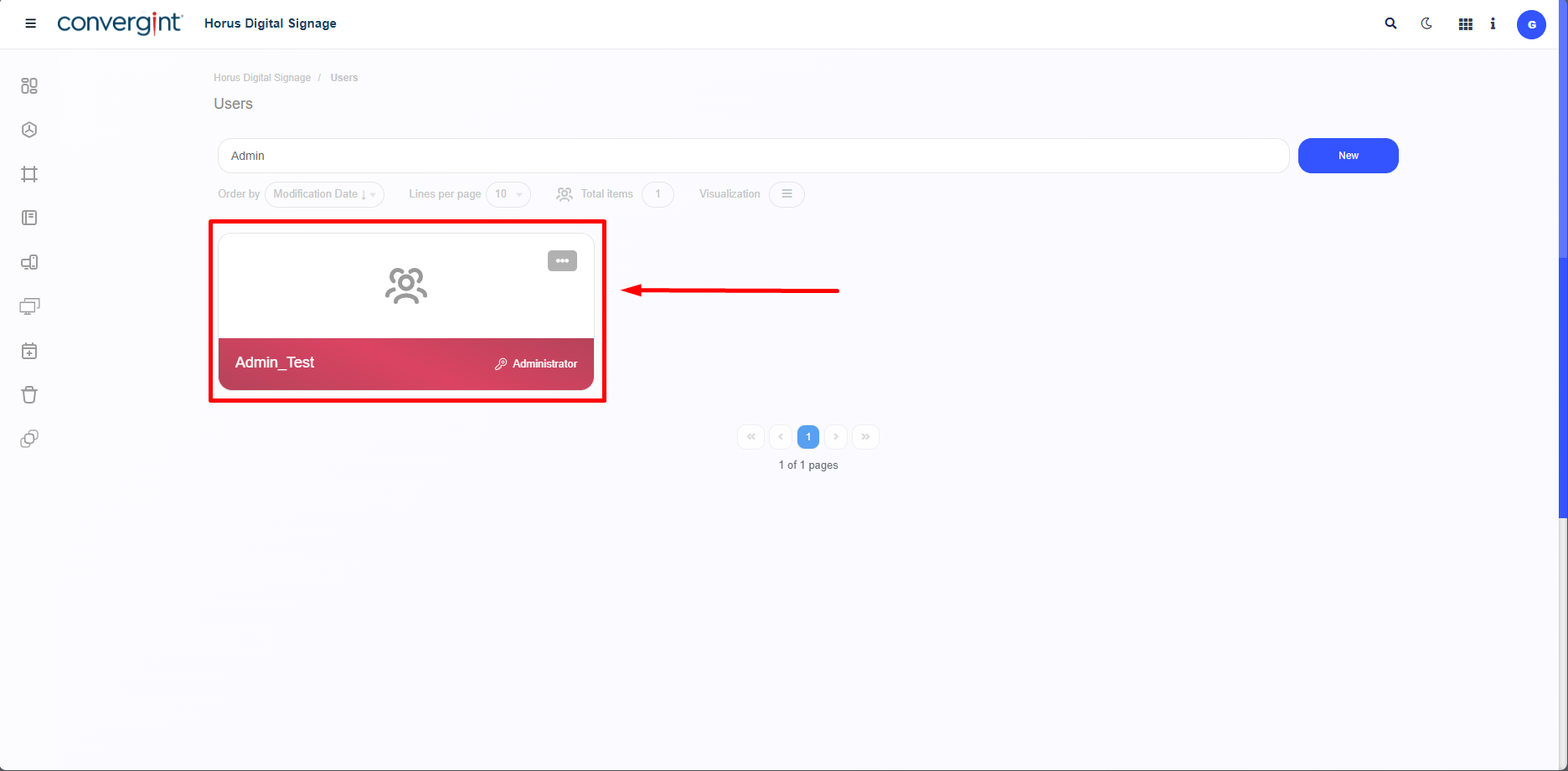
To Change User Information, you need to go to the “Users” section and click on the User you want to change the information for. This allows you to edit the user's previously declared Email and Permission.
When you select the User you want, simply change the information you provided earlier, except for the User's name, which cannot be changed. After changing the data according to preference, click on “Save editions”.