Adding New Users
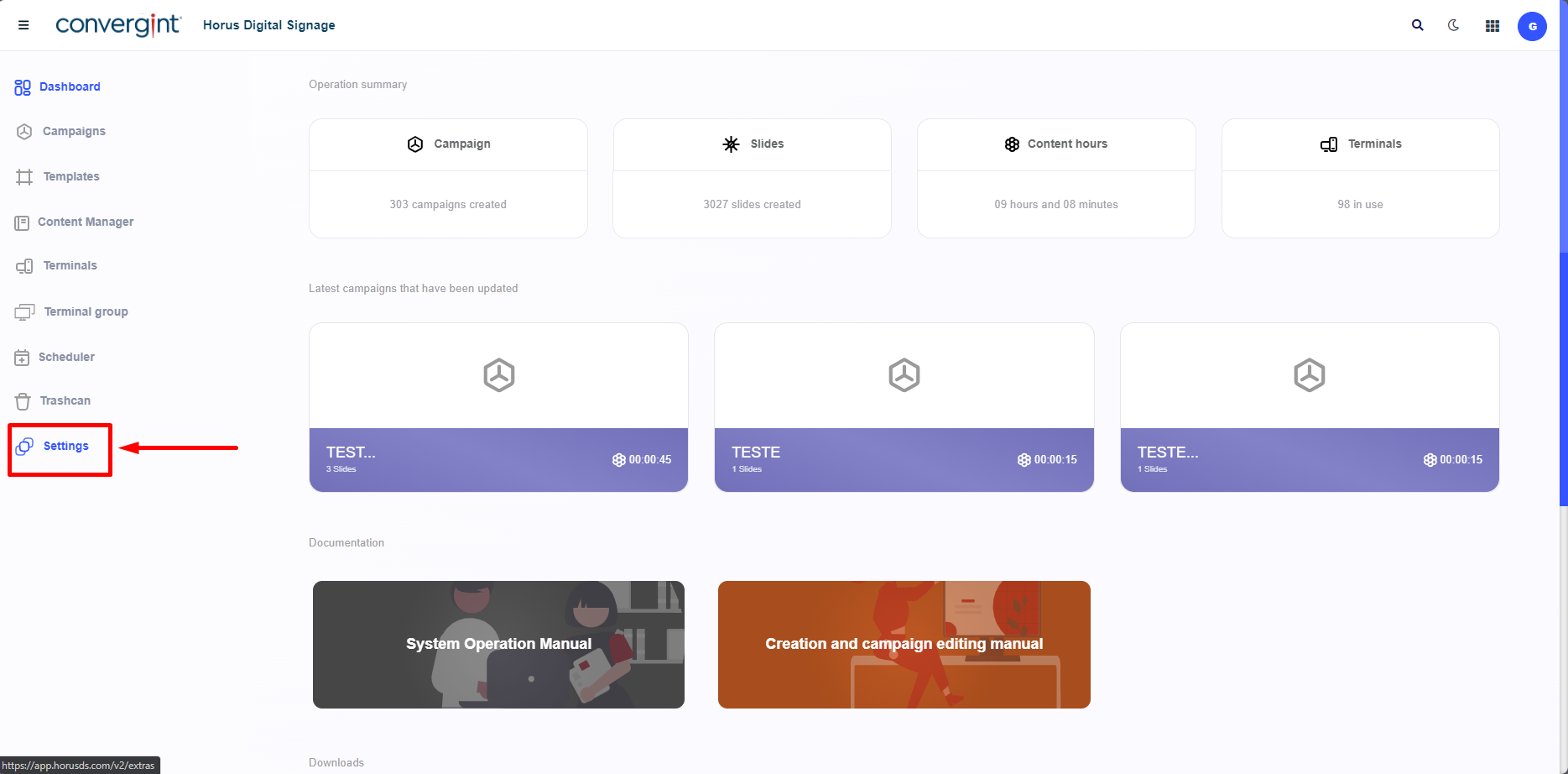
The first step in checking the report is to access the “Settings” tab. In this tab, you can check the functions that are not related to the slide show, but only the verification of previously declared data, the creation of user profiles and users and the general settings of Horus Digital Signage.
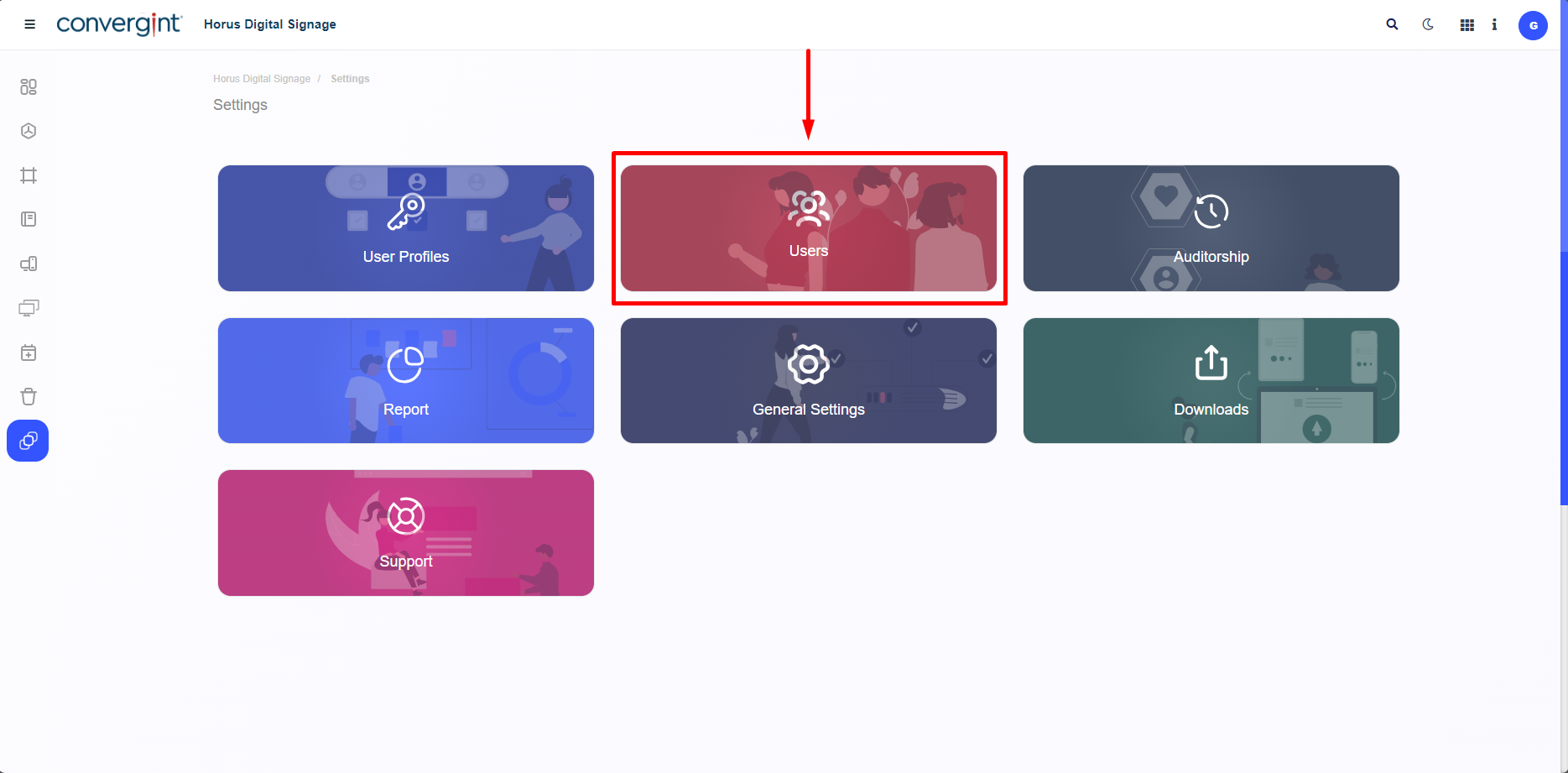
When you click on “Settings”, you need to click on “Users”. This step makes it possible to create a User with specific information according to the User's preference.
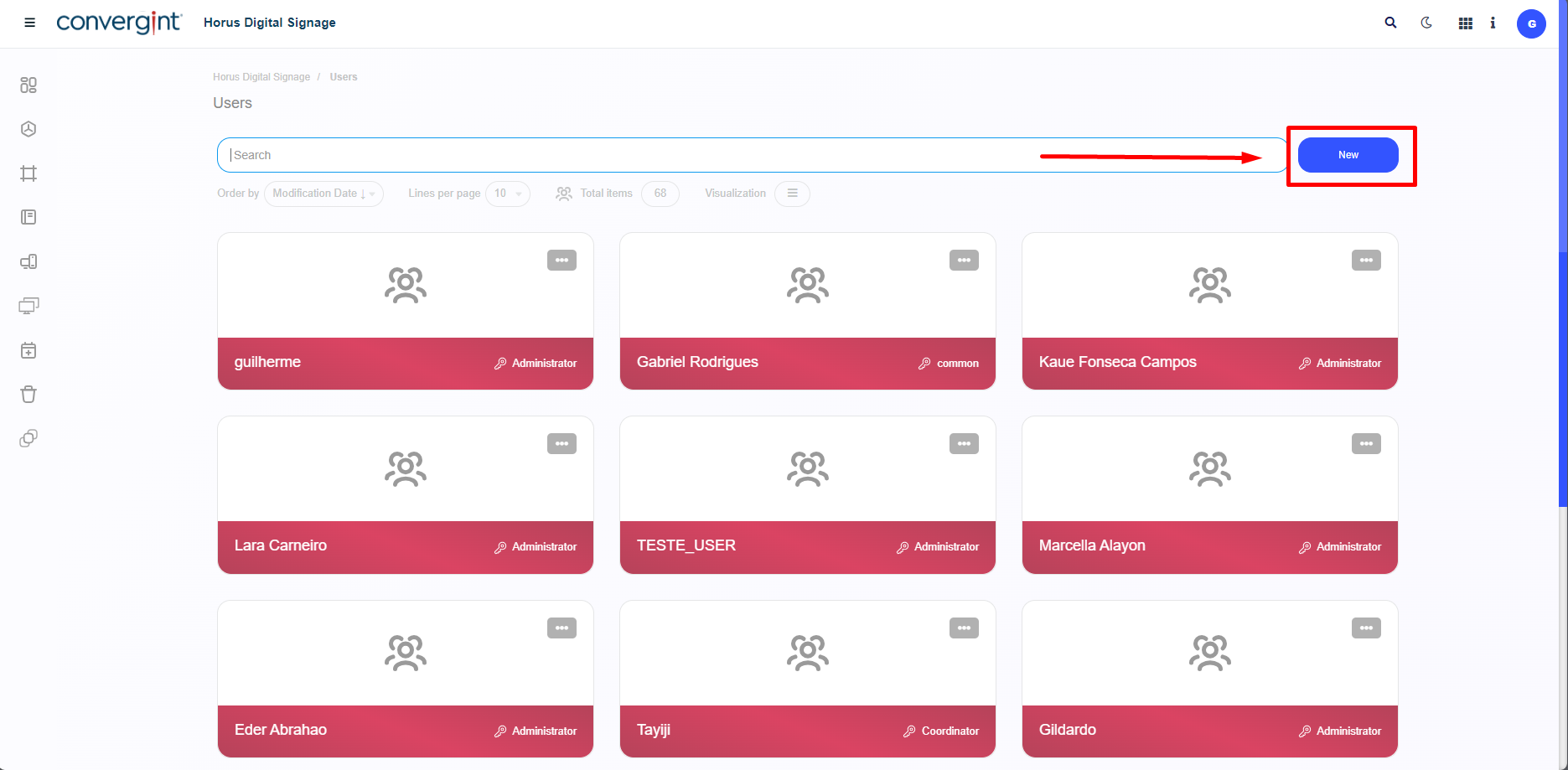
After clicking, the system will start the user creation process. To do this, click on “New”.
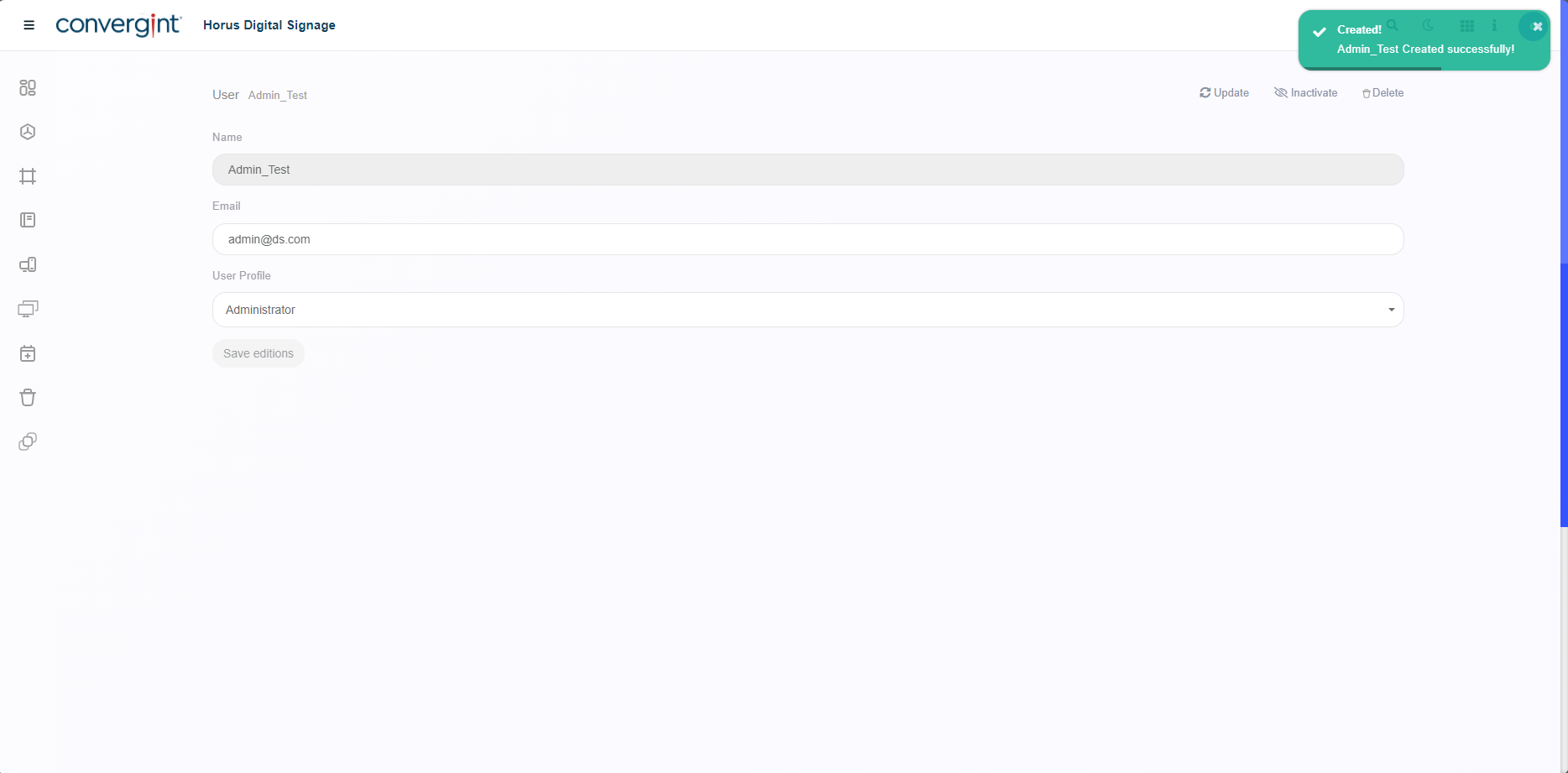
By clicking, you will be able to add a new user by entering a name, email address and a User Profile that you want to insert in the New User registration. After filling in the necessary information, click on “Register”.
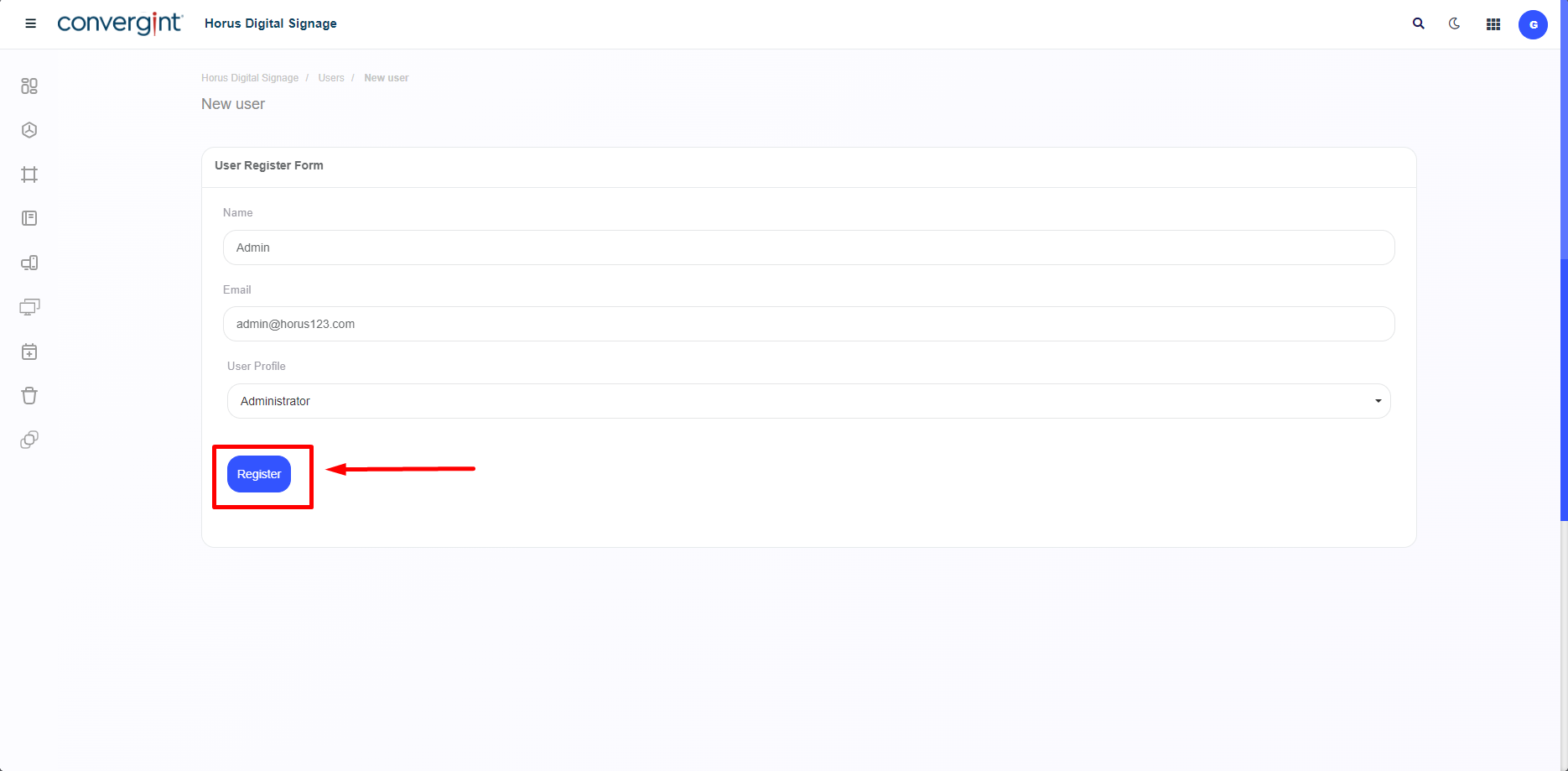
After clicking on “Register”, the User will be created with the data provided.