Changing User Information
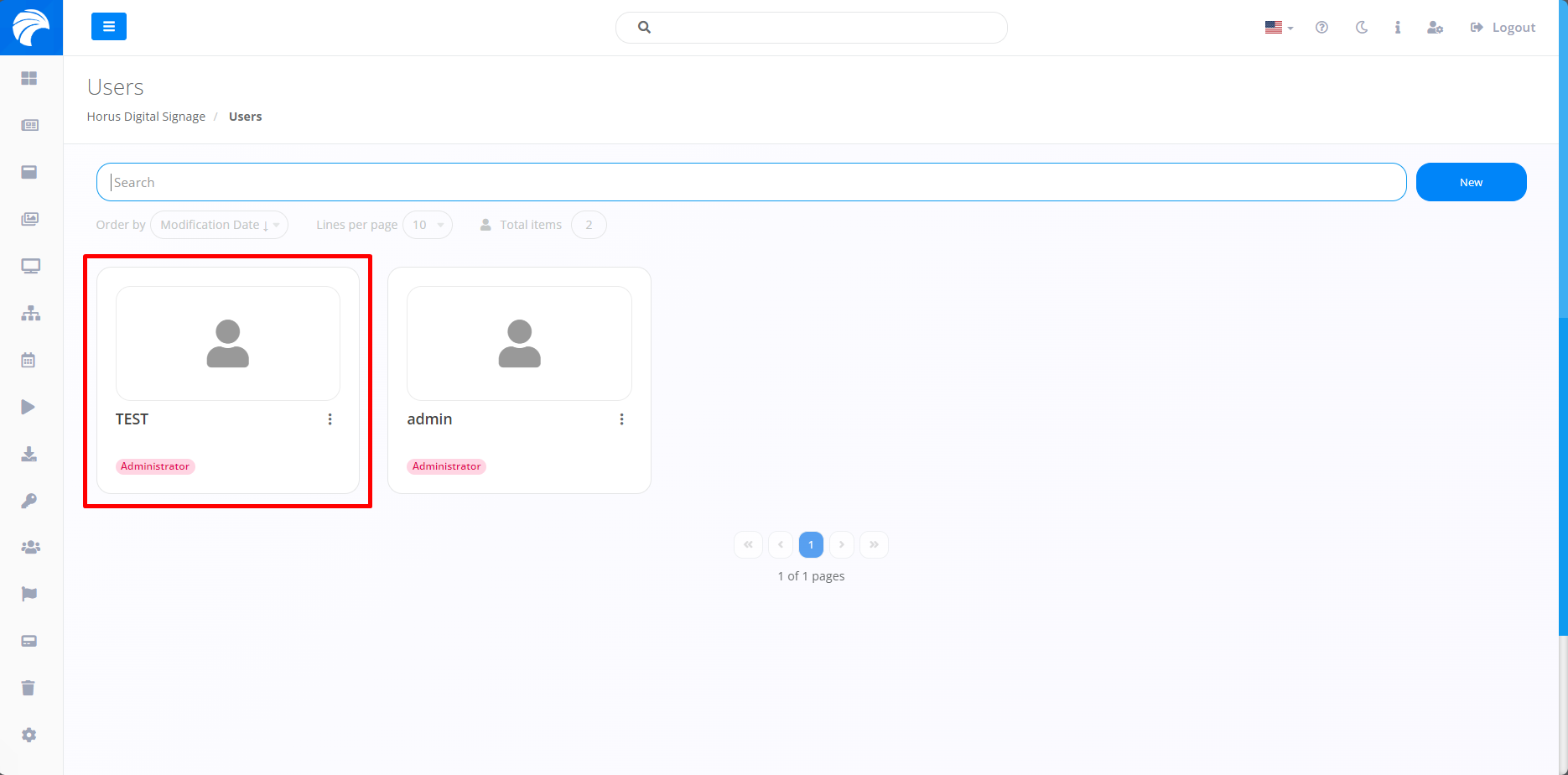
In order to change the information included in the User, it is necessary to access the "Users" tab and access the previously created user who wishes to change the data.
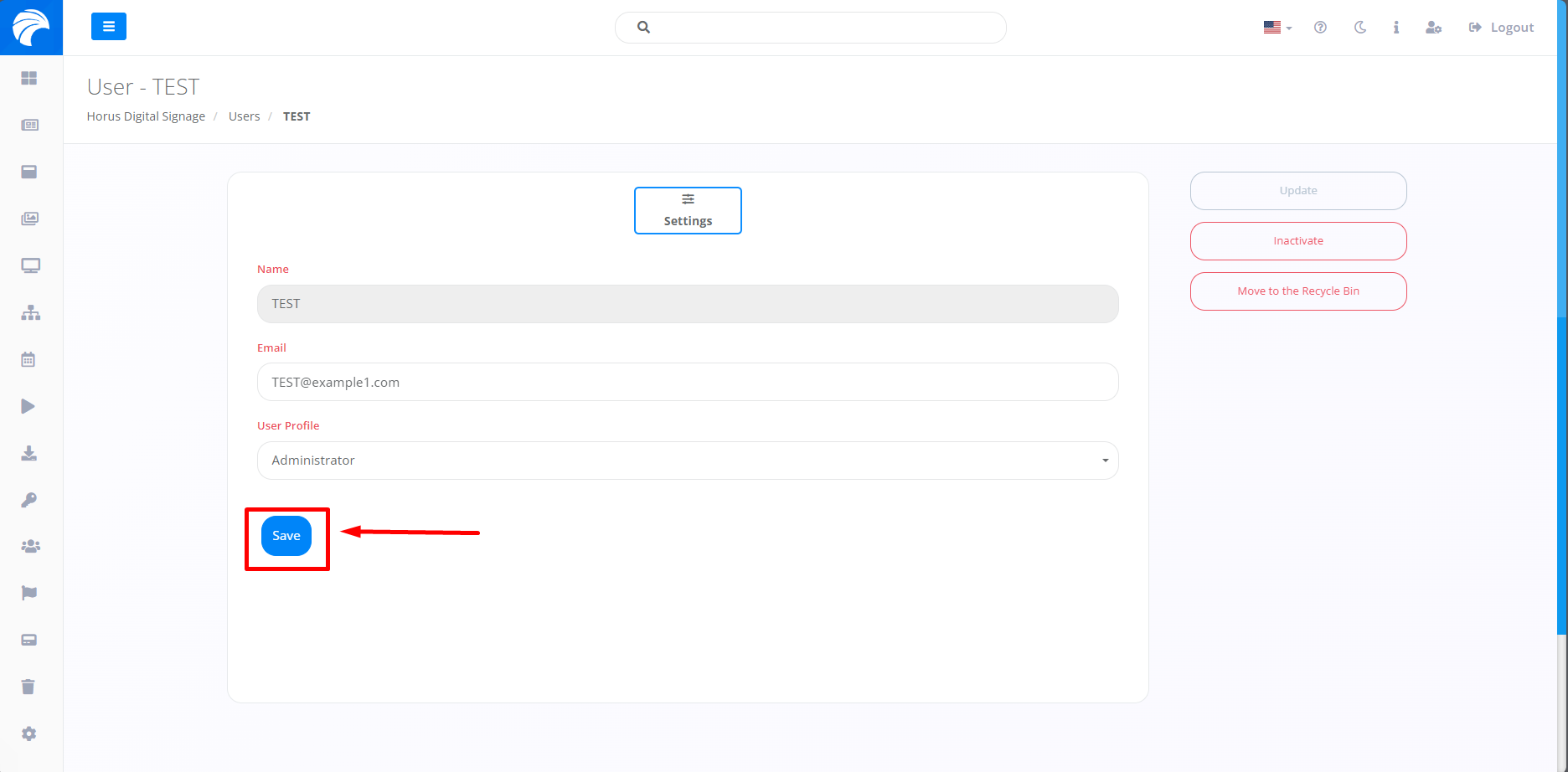
When selecting the desired User, just change the information provided previously, except for the User's name, which cannot be changed. After changing the data according to preference, click on "Save".