Removing Triggers
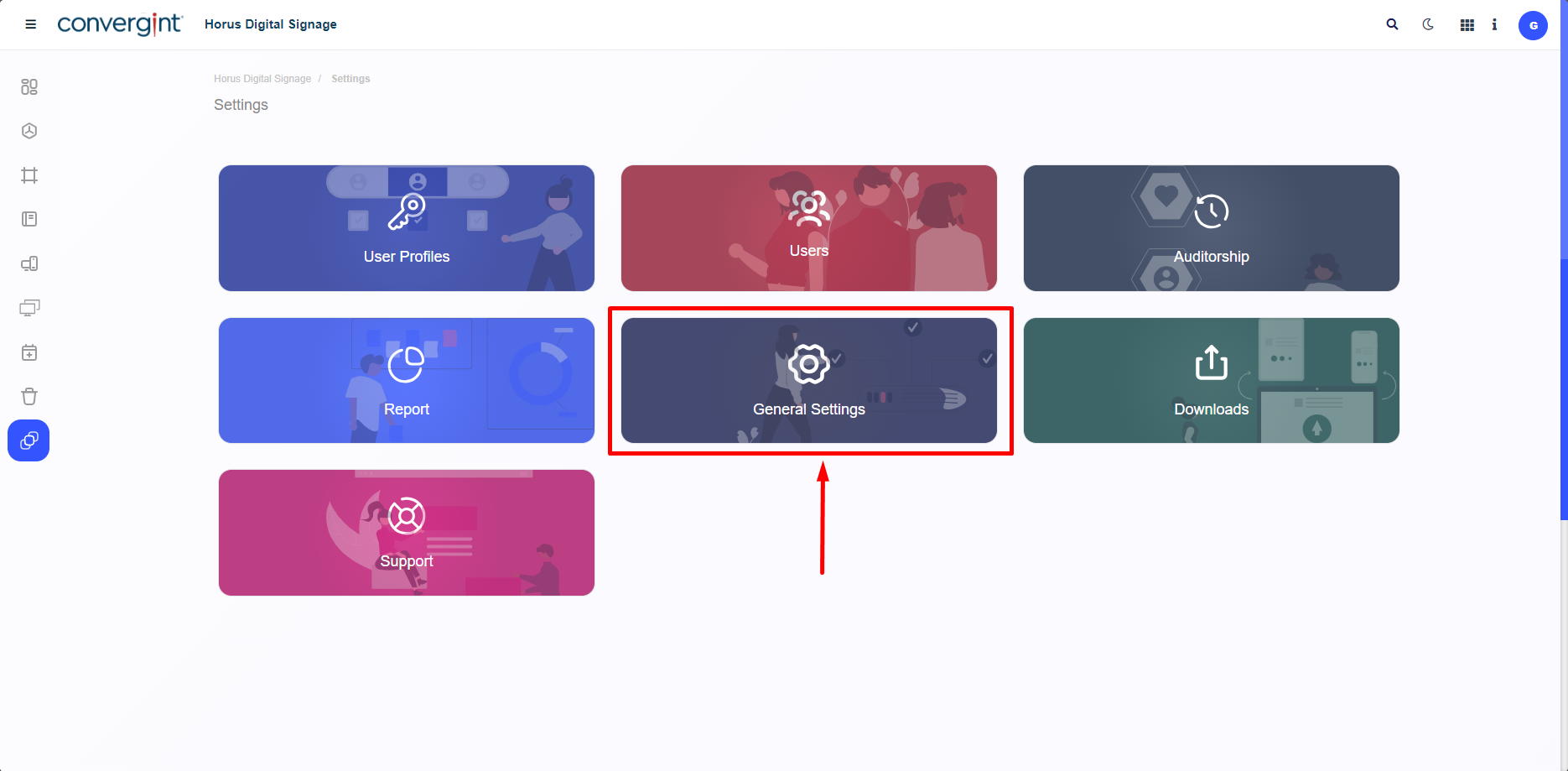
To remove a Trigger, you need to access the “General Settings” section.
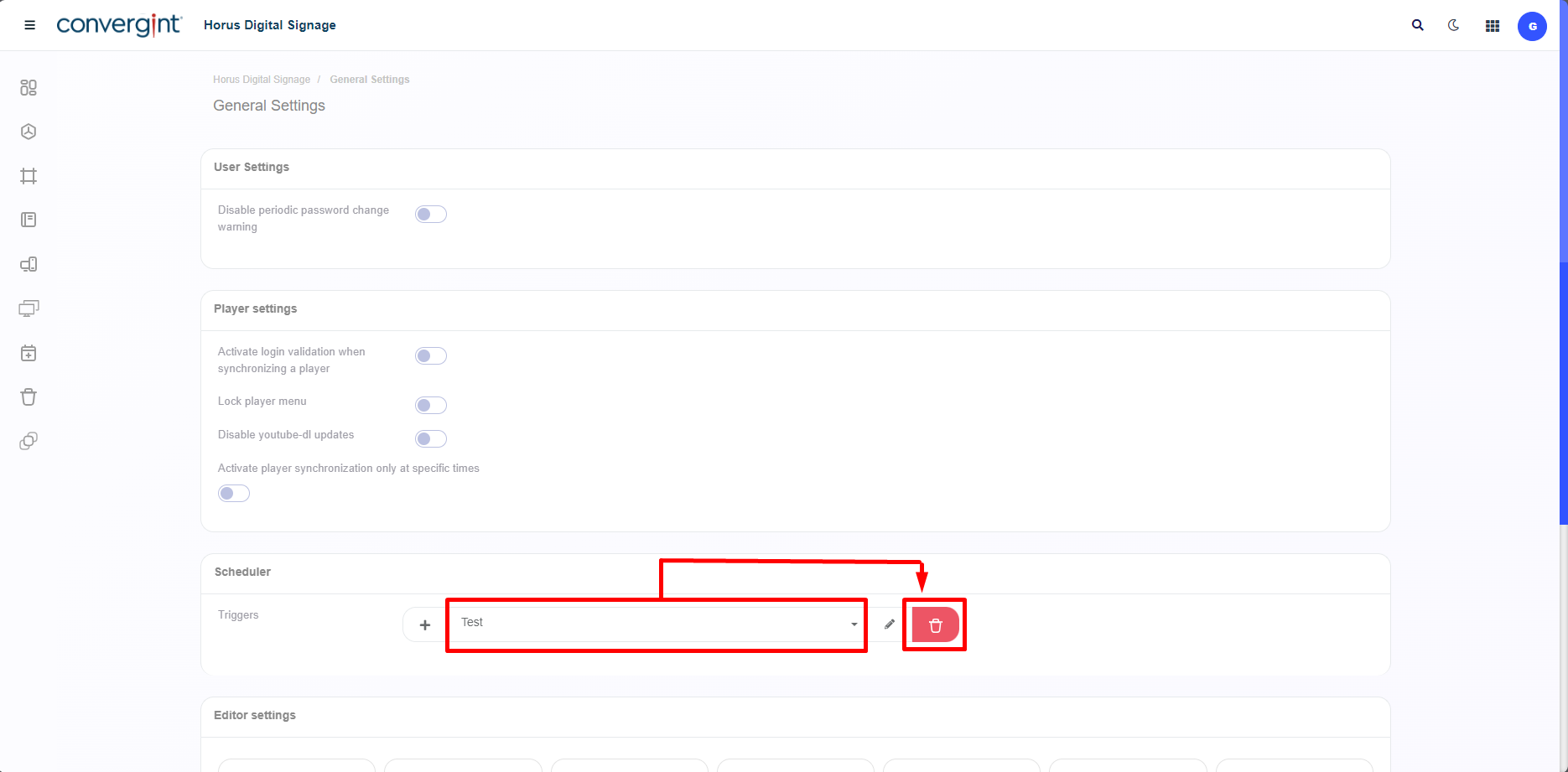
Once you access the tab, navigate to the “Scheduler” topic, then click on the “Remove” icon next to the Trigger you wish to delete.
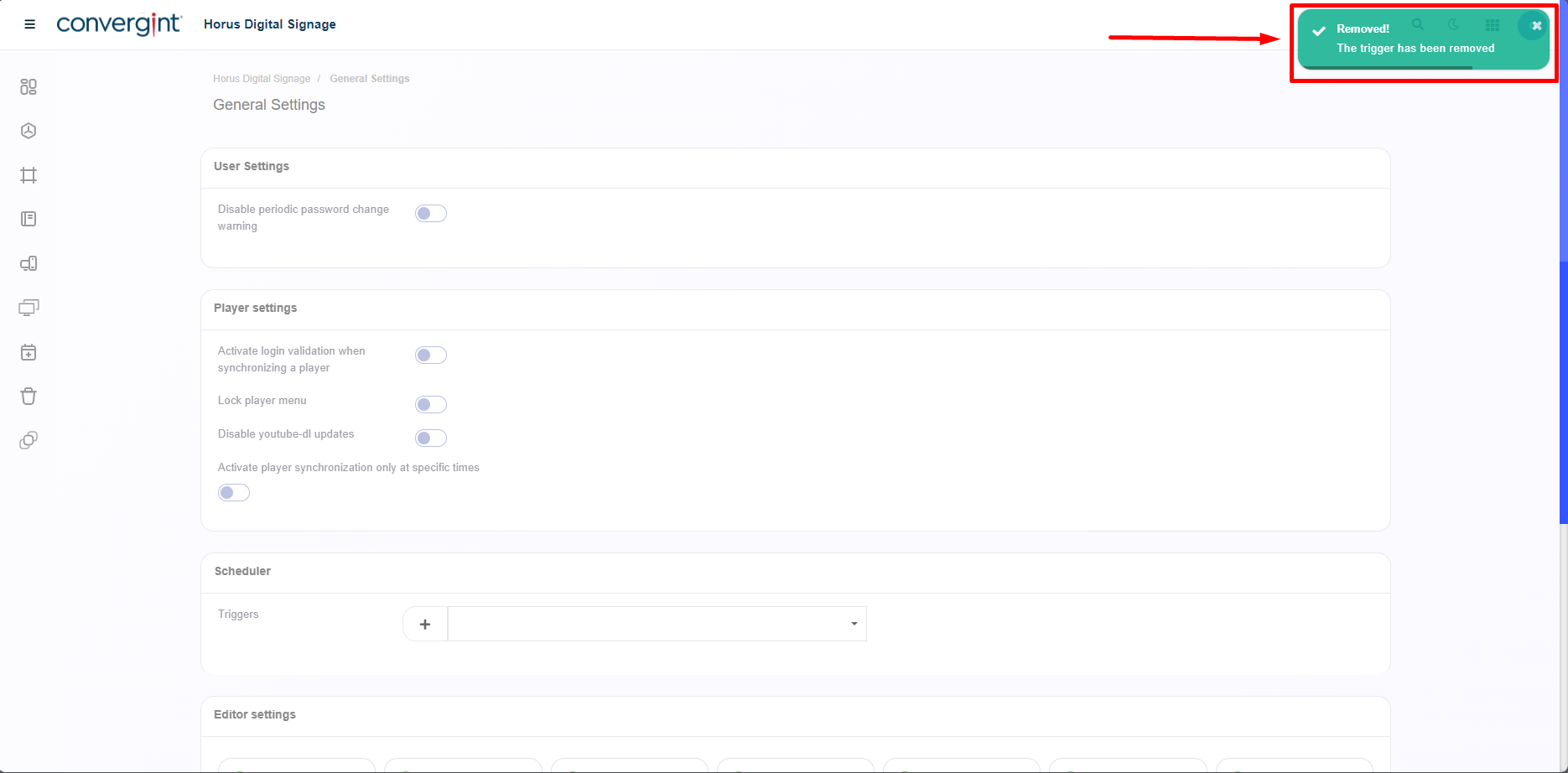
Upon clicking, the Trigger will be removed.