Restoring or Confirming Previously Deleted Items
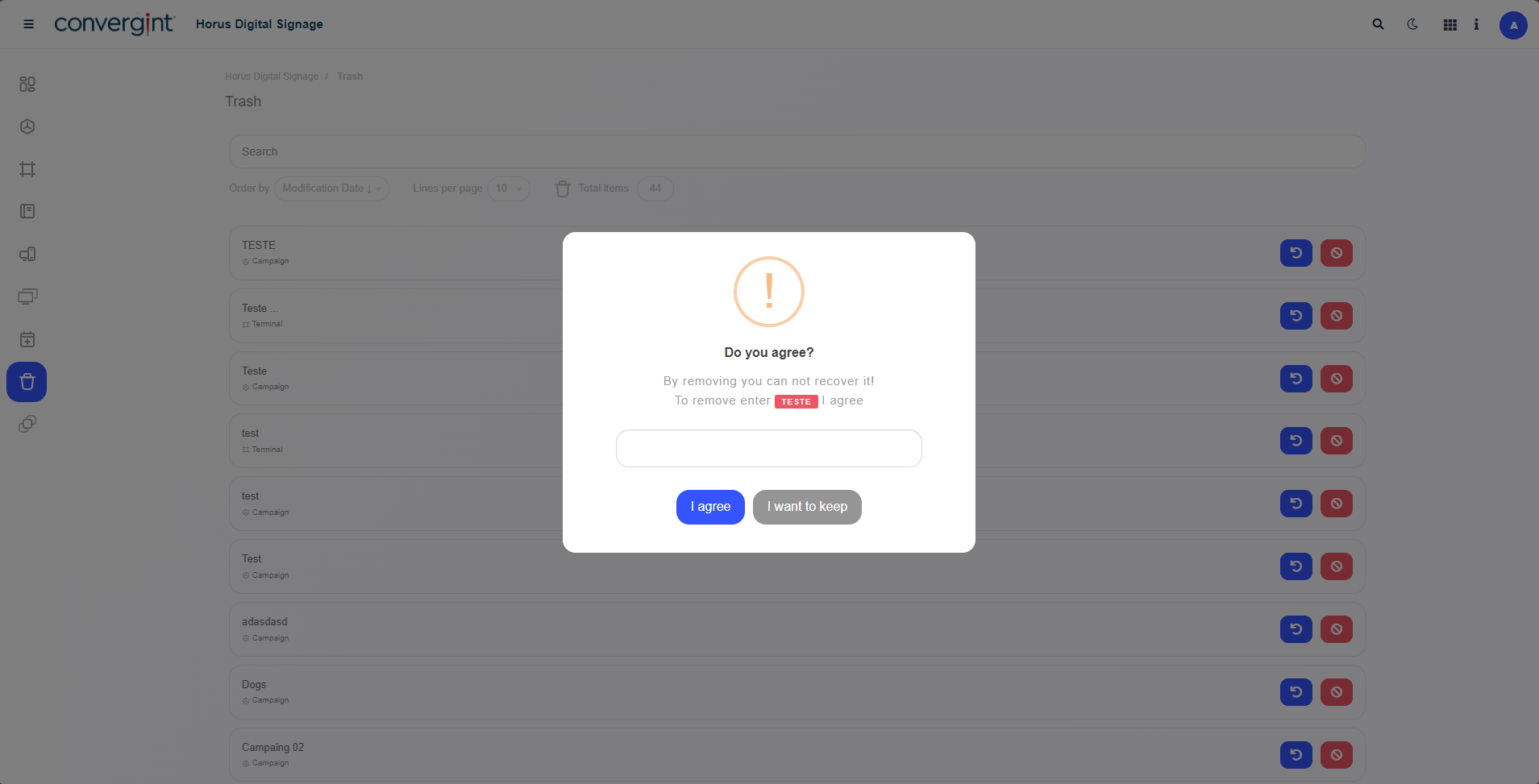
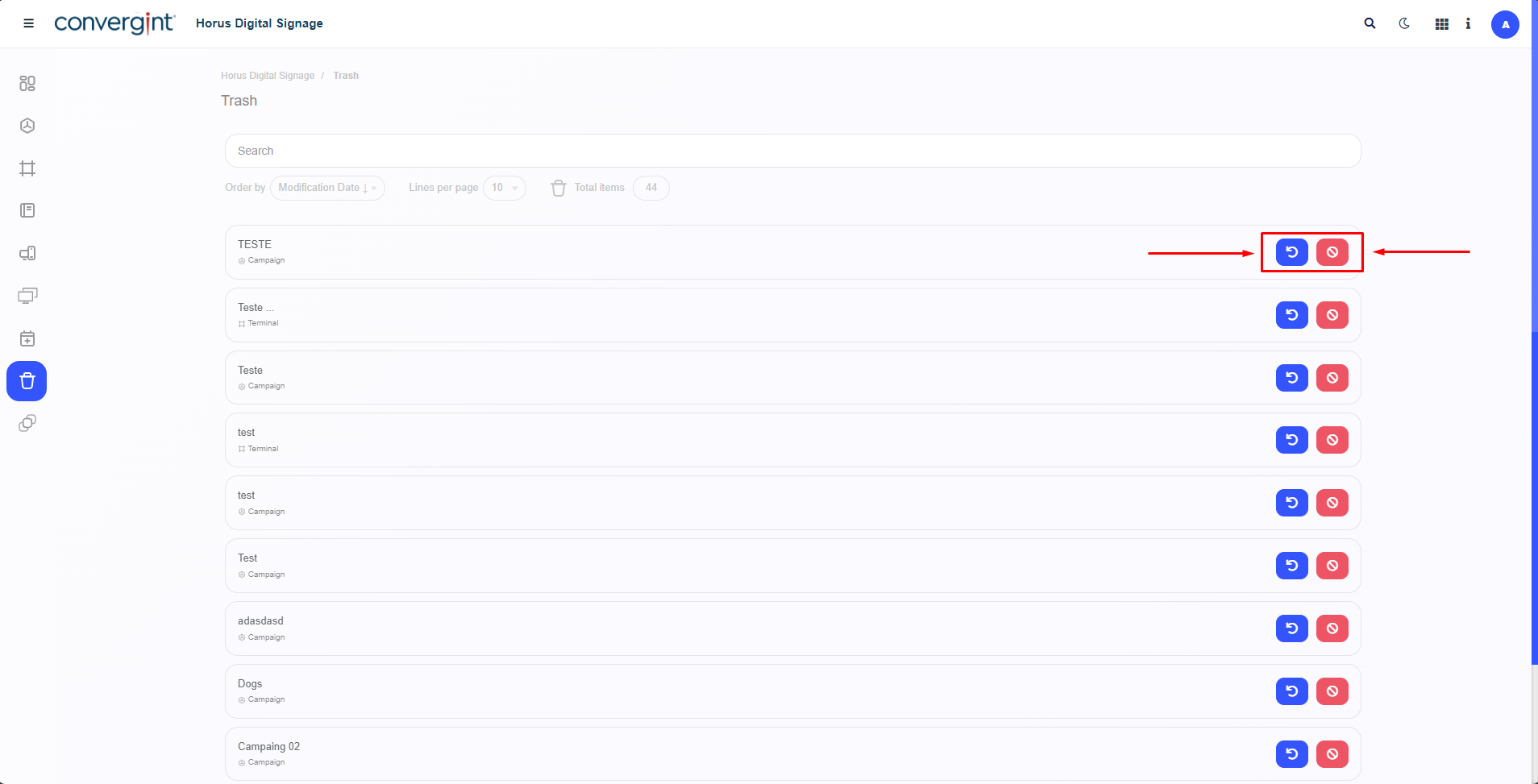
By following the steps described earlier, you will see the items that were previously deleted. To restore an item, click the "Restore" button, which will allow you to recover the deleted item. To confirm the permanent deletion of an item, click the "Delete" button. This will result in the item being permanently removed.
When selecting an item based on the chosen action, the system will display a pop-up requesting confirmation for the deletion or restoration of the action.