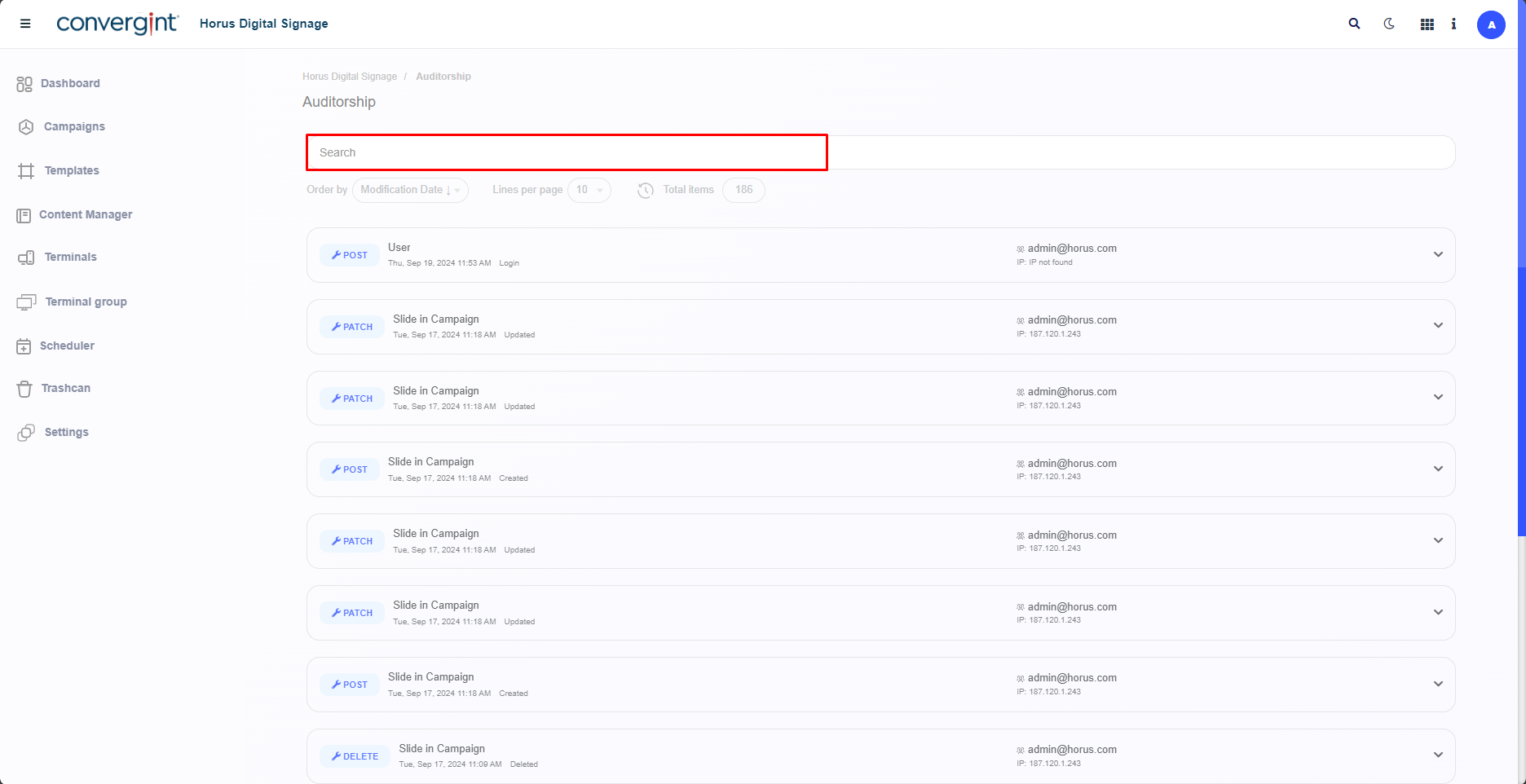
Viewing Auditorship Events
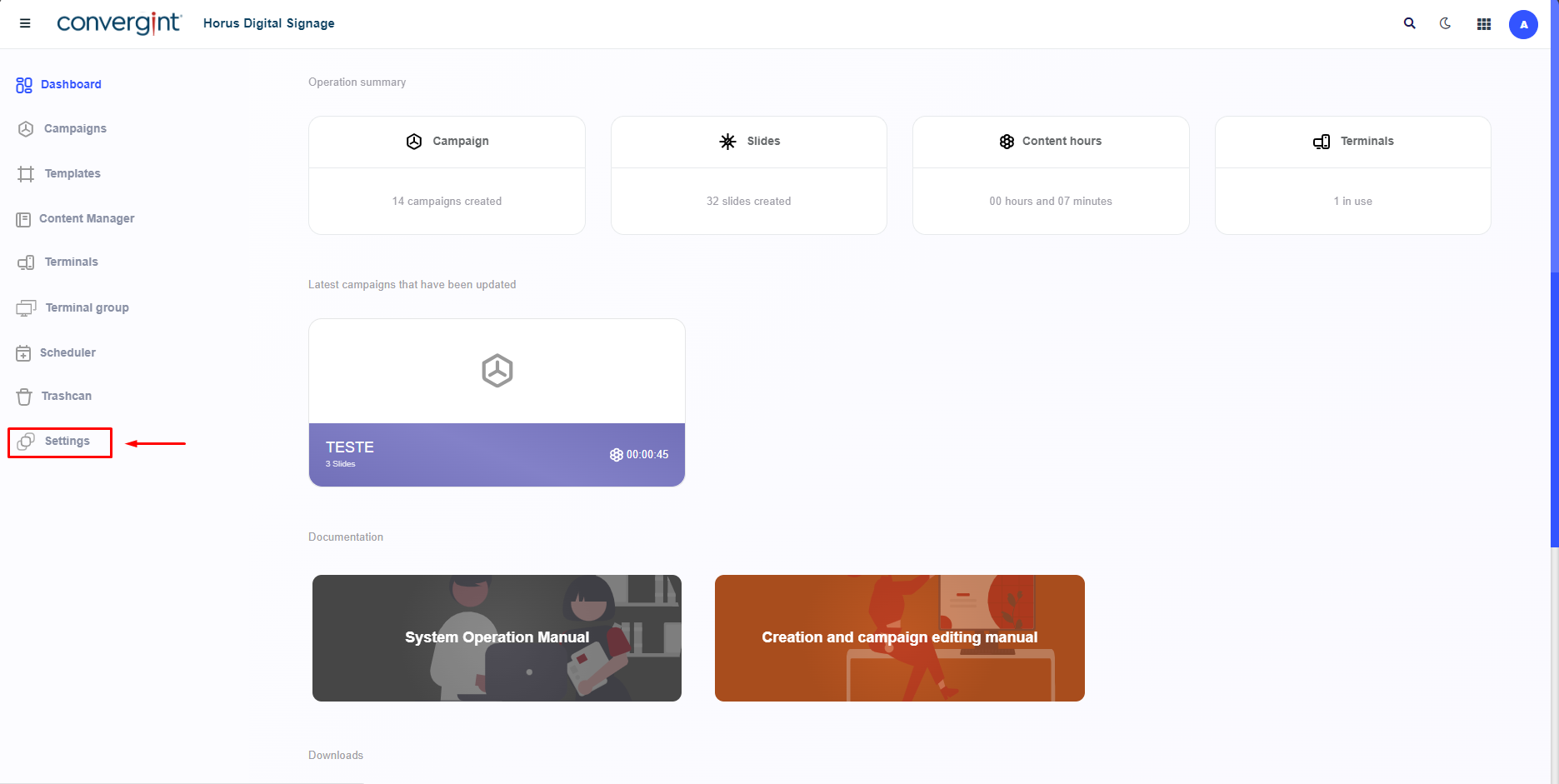
To start viewing Auditorship Events, go to the “Settings” tab. This function allows you to view Auditorship Events that have occurred previously.
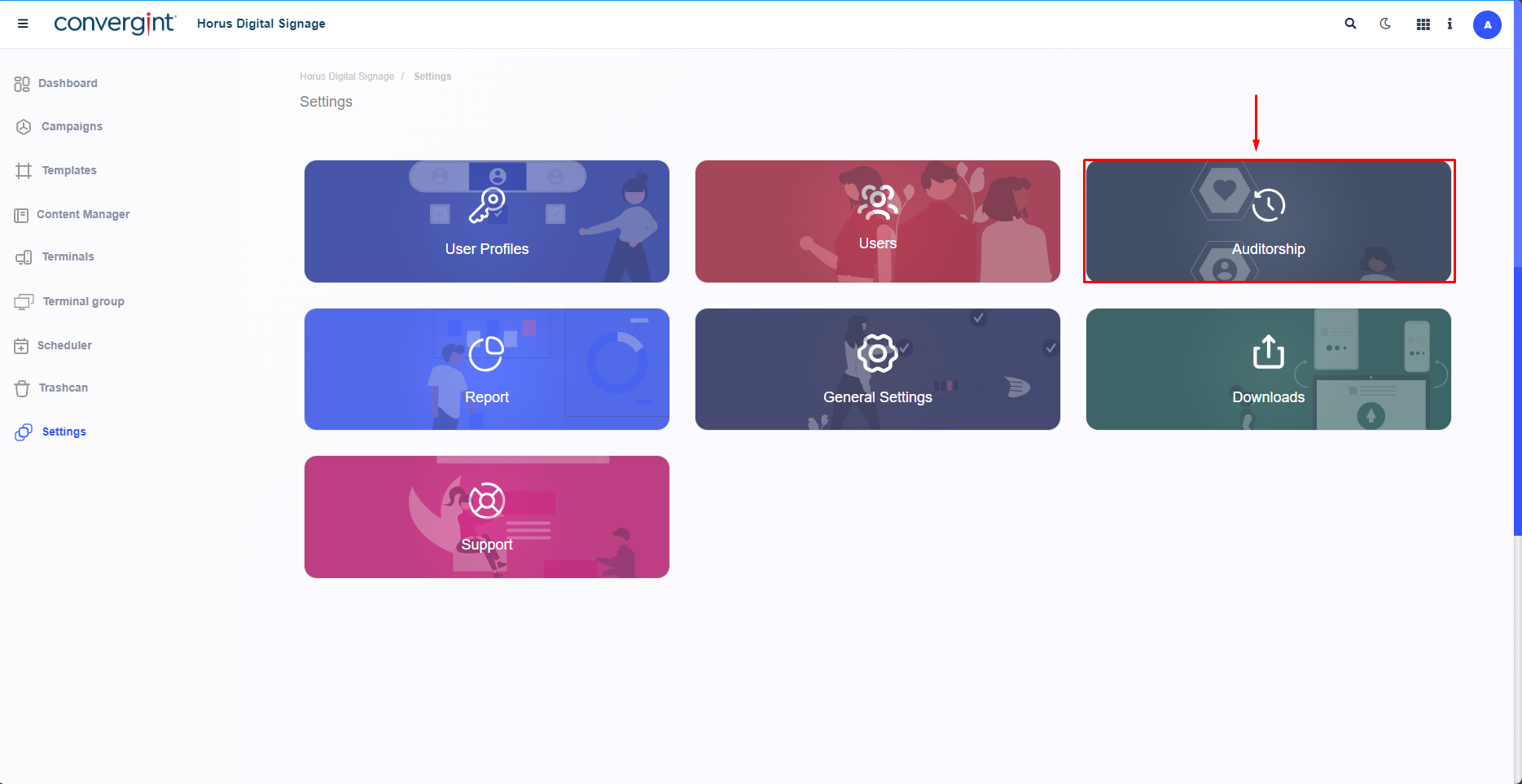
After following the previous step, select the “Auditorship” option, which allows you to filter the events recorded, such as logins to the system, campaign edits and other events that occurred on the Horus Digital Signage portal.
After clicking on Auditorship, the system will open the screen where you can see the actions carried out by the previously registered user.