Adding User Profiles
The first step to check the report is to access the 'Settings' tab. Within this tab, it is possible to verify functionalities that are not related to slide display, but rather to checking previously declared data, creating user profiles, managing users, and general settings of Horus Digital Signage.
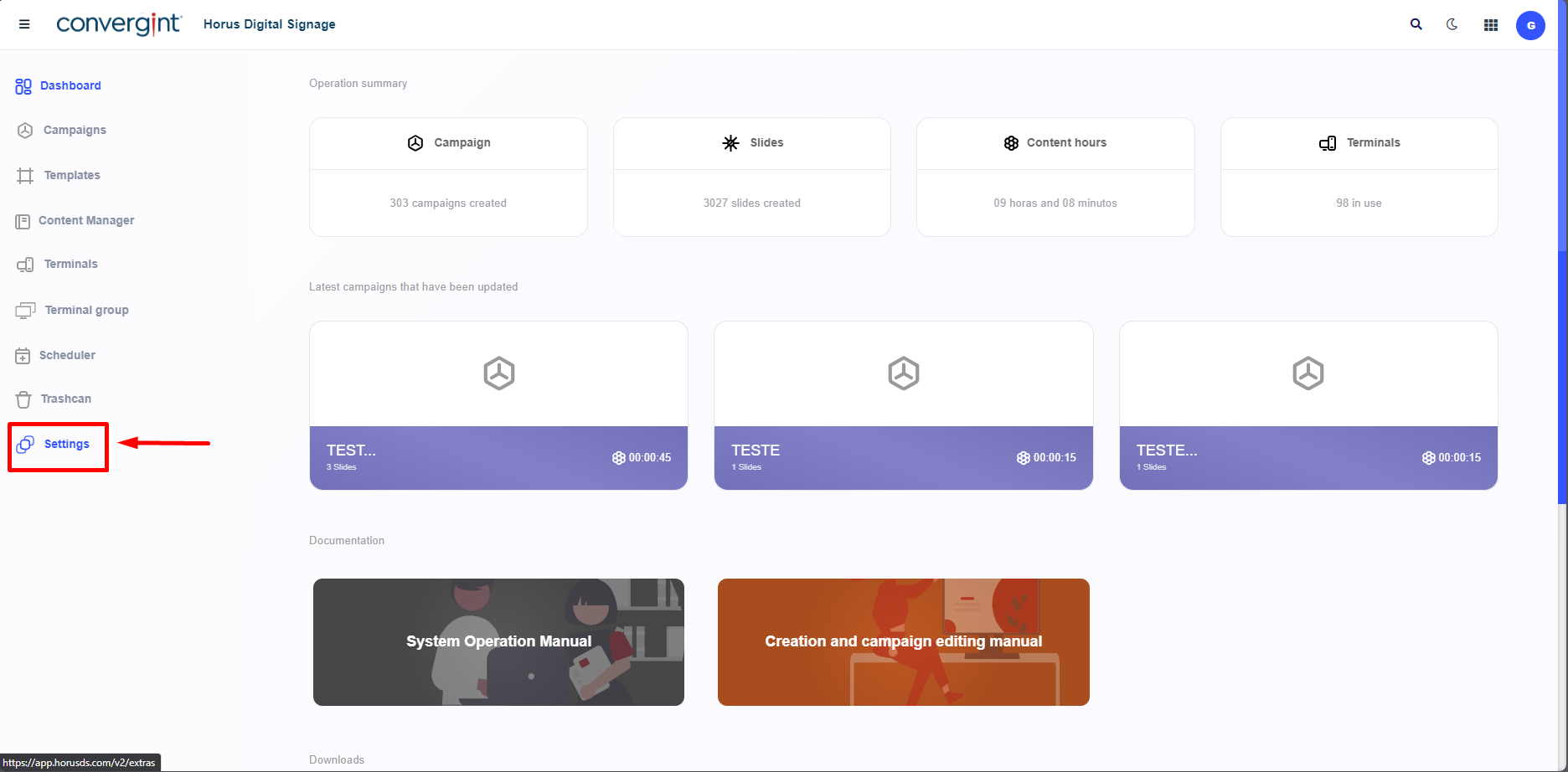
By clicking on 'Settings', it is necessary to click on 'User Profiles'. This function allows the creation of profiles that encompass permissions granted to users according to their preferences, thus facilitating the creation of users with their respective permissions.
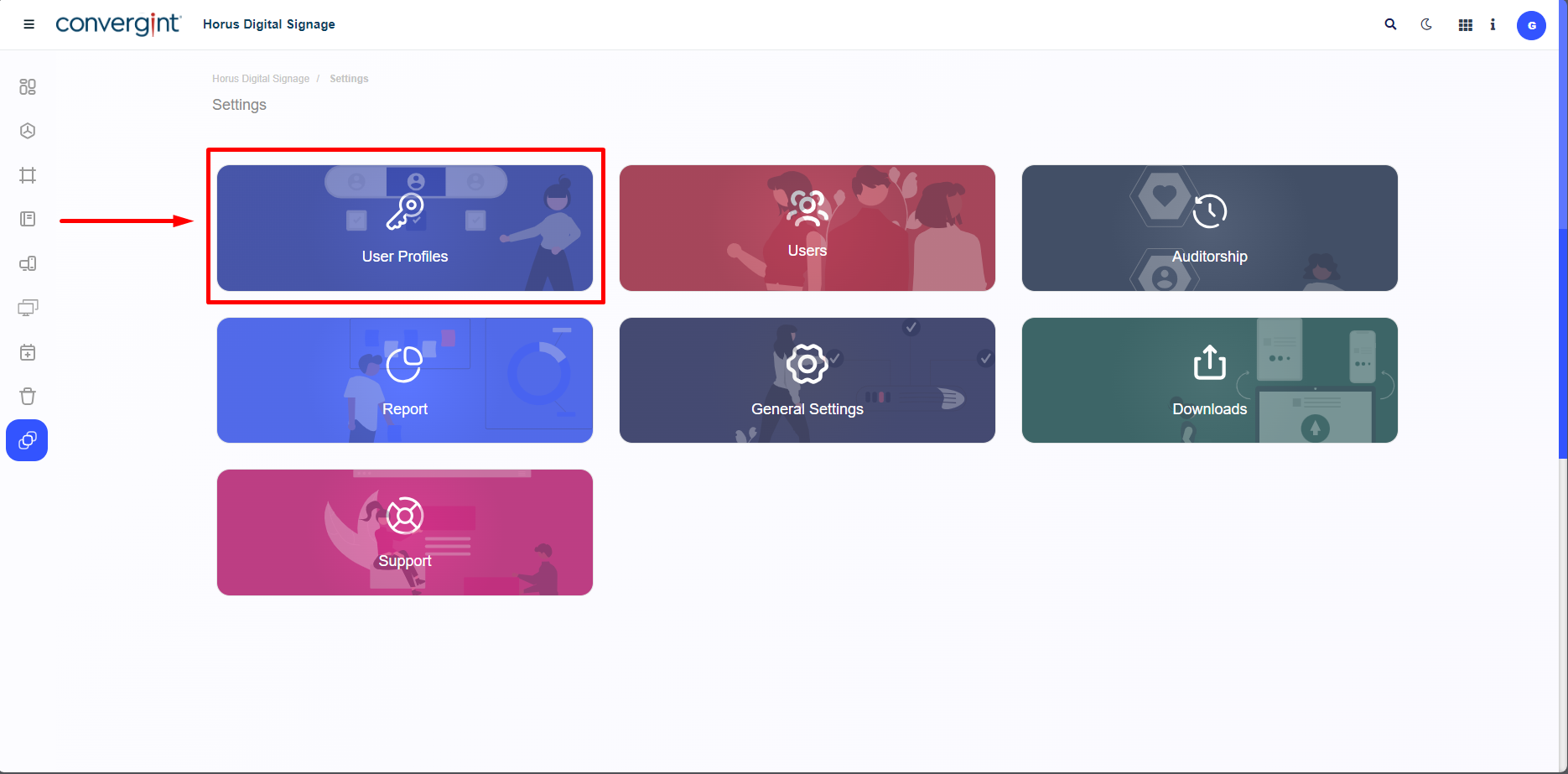
After clicking, the system will allow the process of creating the user profile. To do this, click on "New."
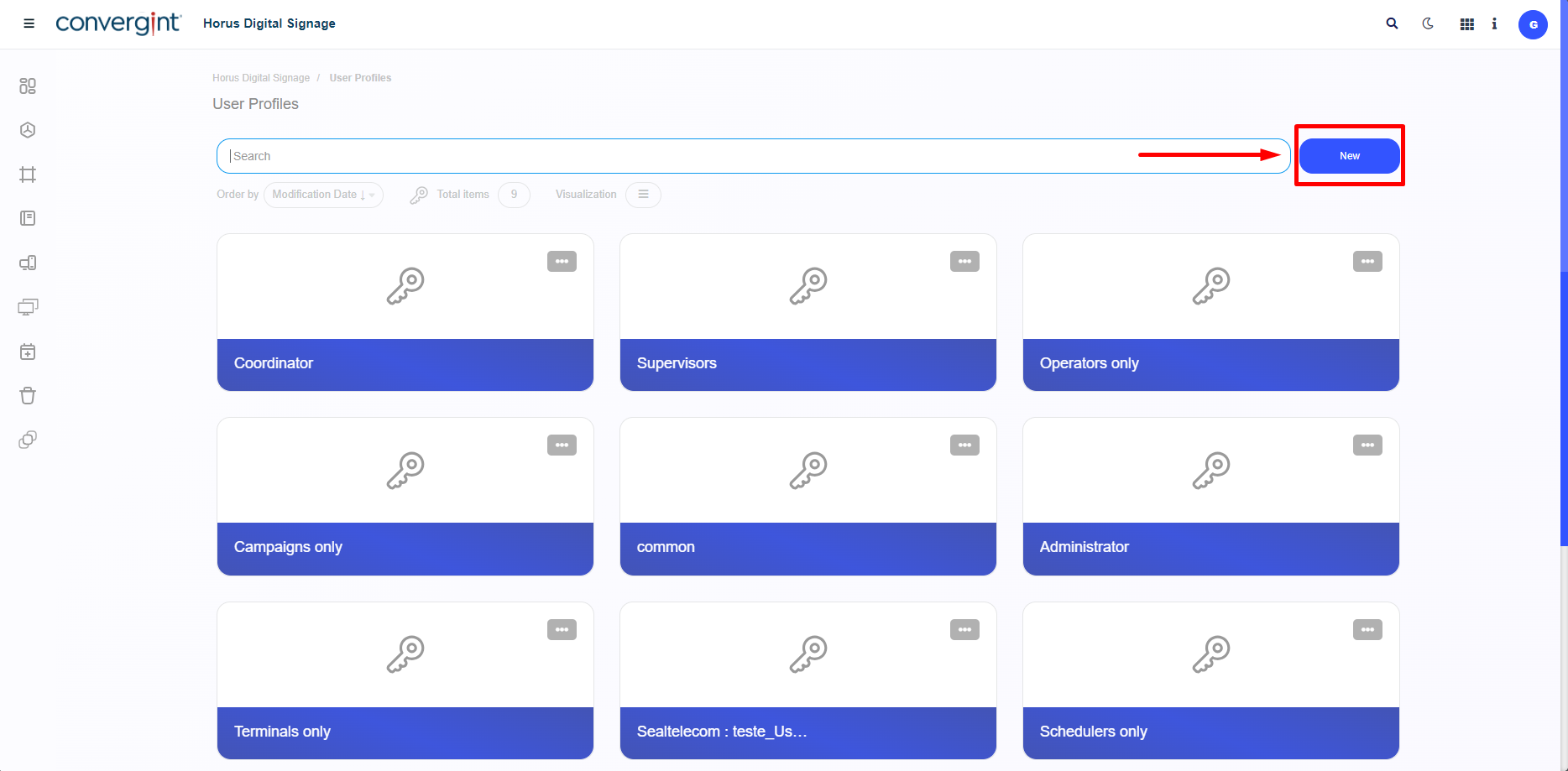
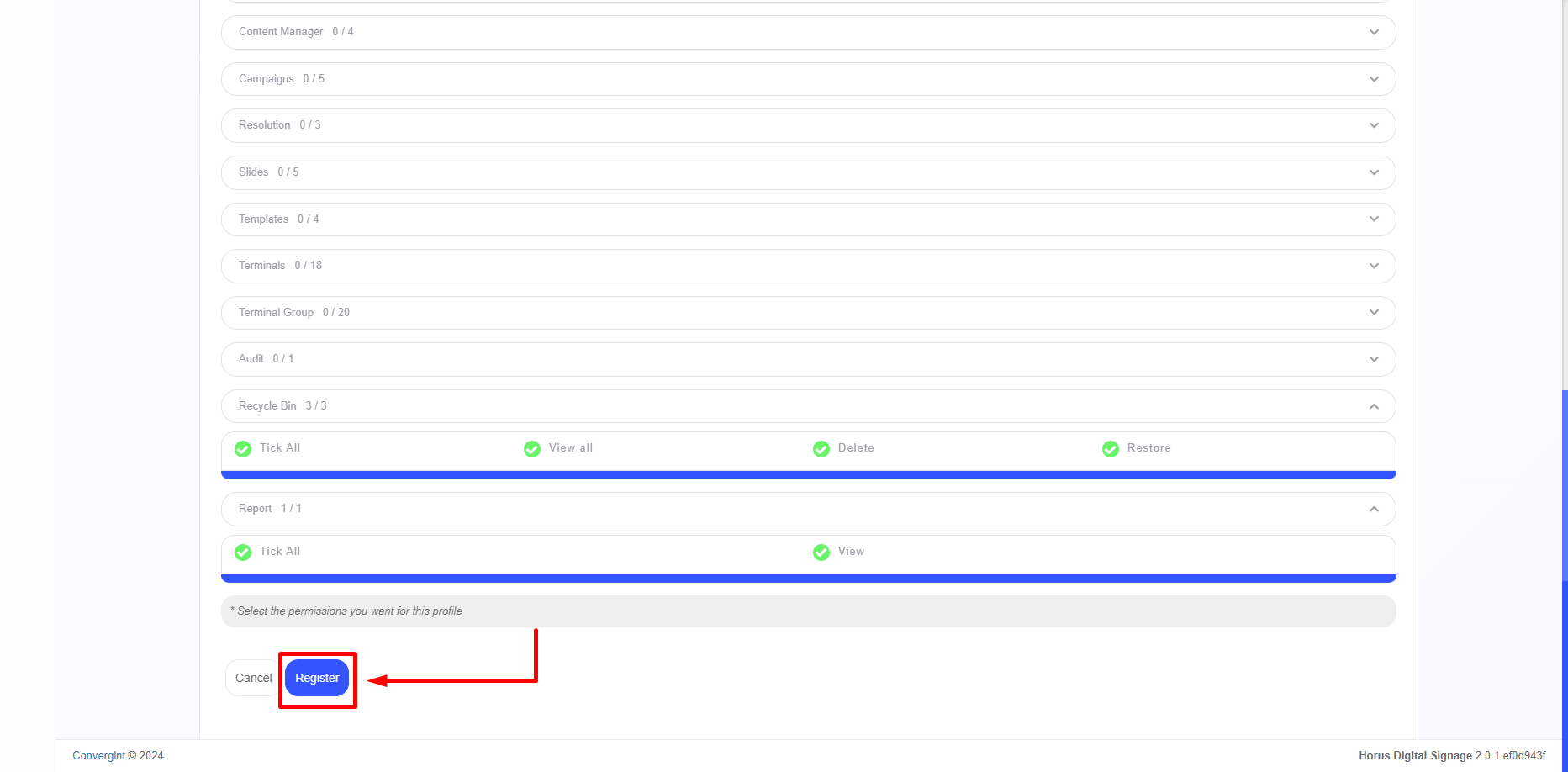
By clicking, you will be able to create a User Profile according to your preference. Enter the profile name, provide a description (optional) to illustrate the new profile, and assign the permissions you want the New User to have access to. Once you have filled in the desired permissions, click on “Register.”
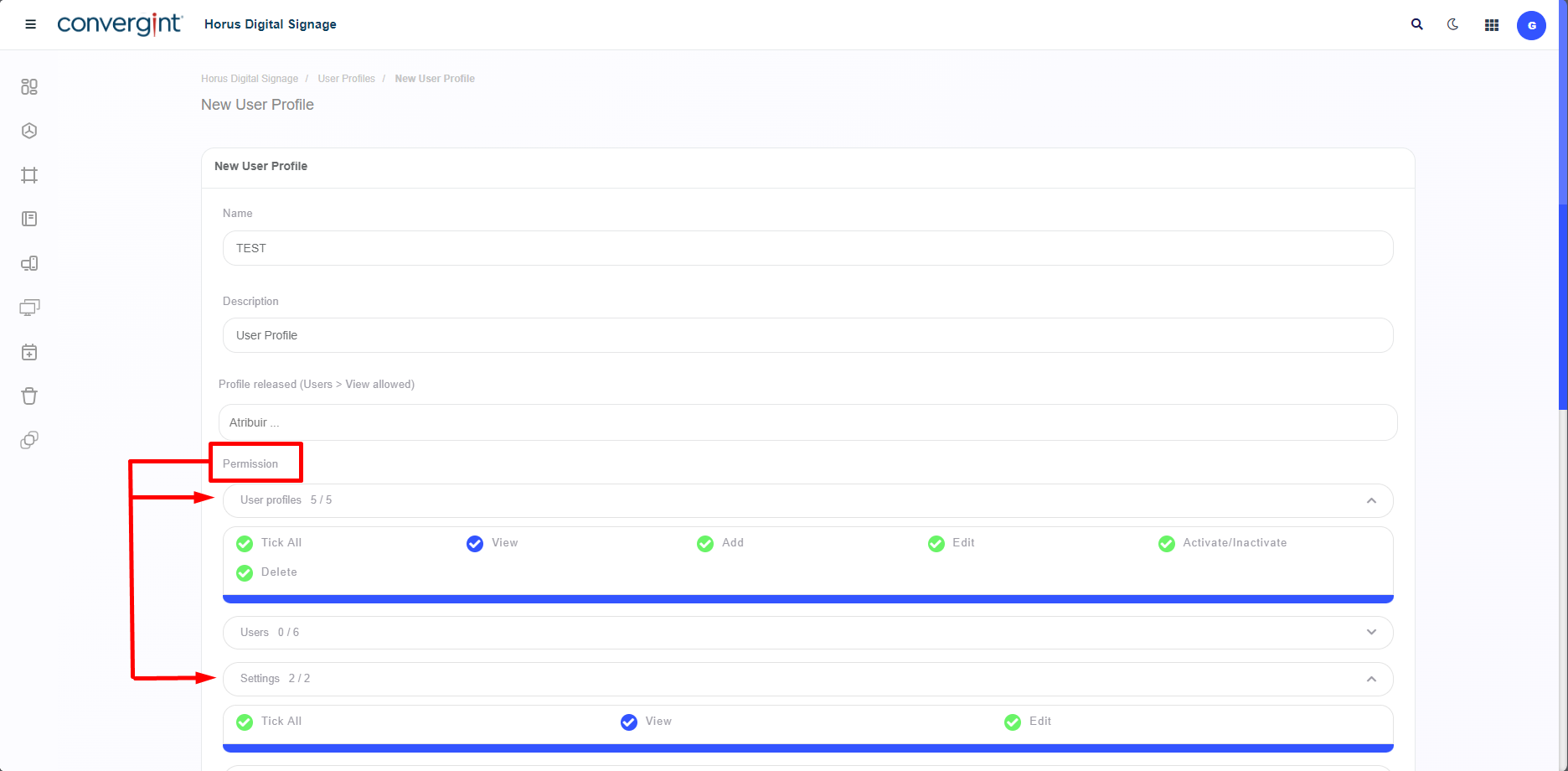
Note: Upon accessing the "User Profiles" tab, you will notice that there are standard profiles that increase the convenience of using this function.