How to log in as a user
The first step in logging in to the system is to type the server's access address (URL) into the browser's address bar. For example, for Horus DS Cloud users, the address is https://app.horusds.com. If you use your own server, consult your company's technology team to find out the address you use in your organization.

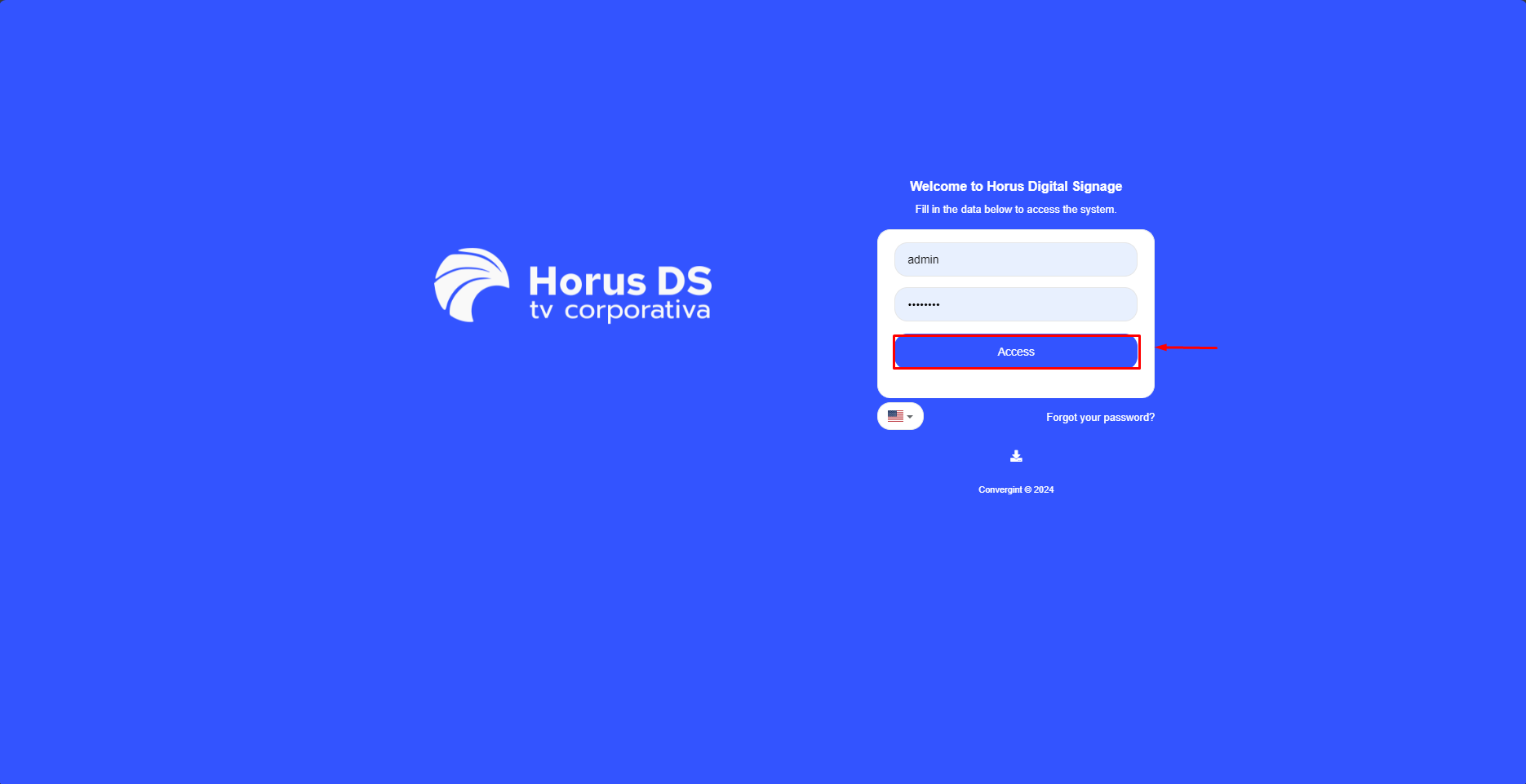
When it opens, the User Login screen will appear (image below). Enter your Username and Password and press "Access”.
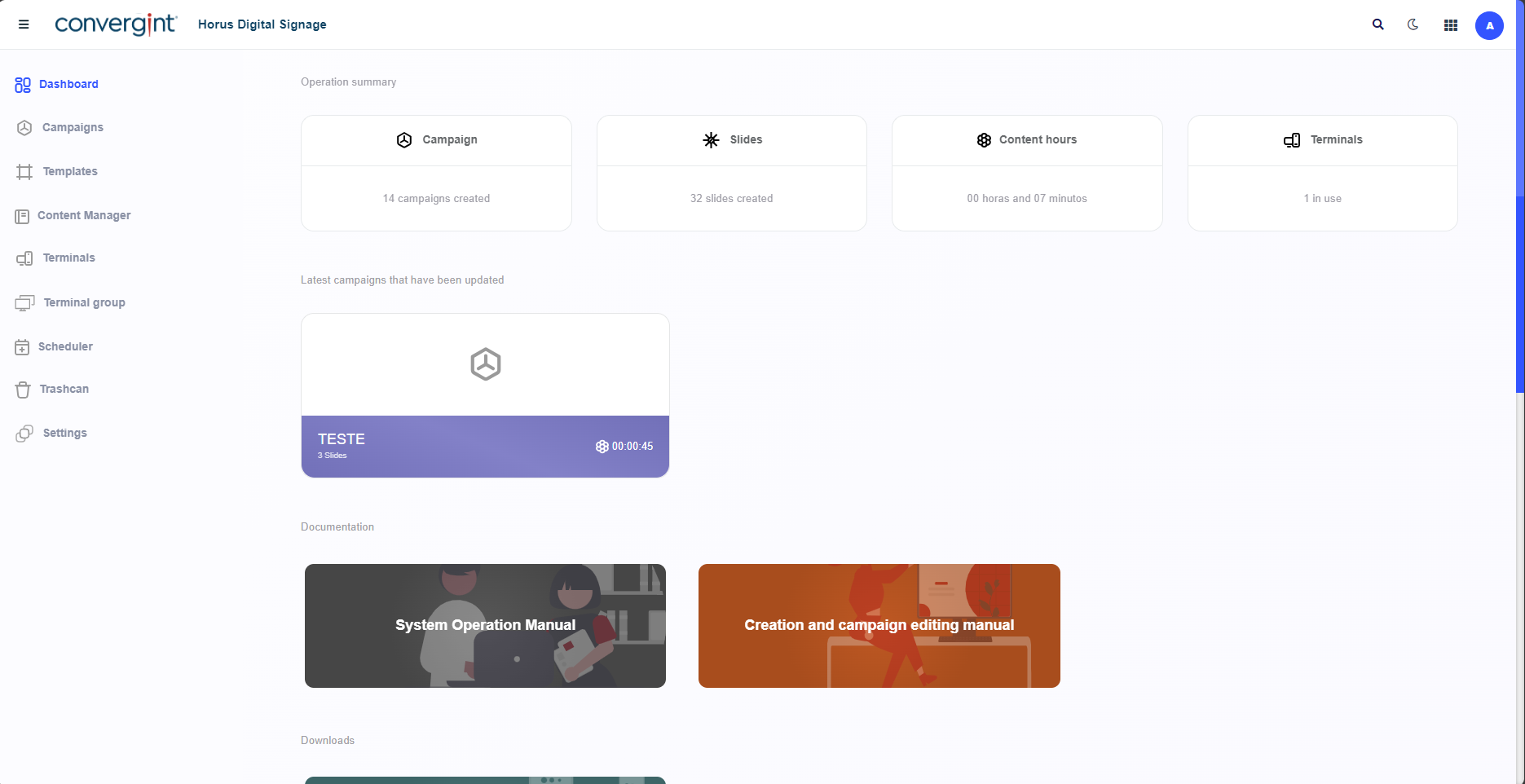
After that, the home screen with the main panel will be displayed (example below).