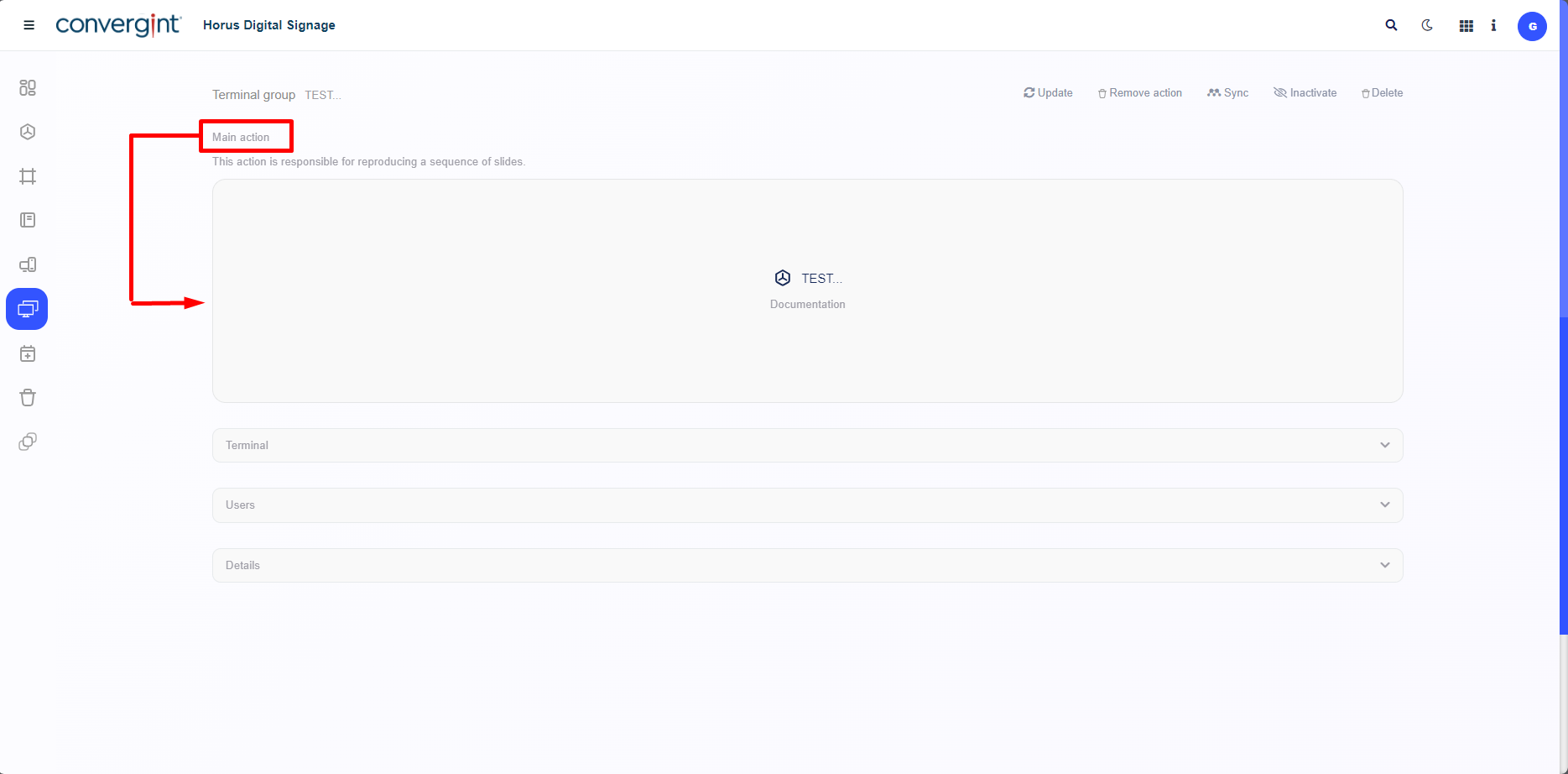
Adding an Action to the Terminal Group
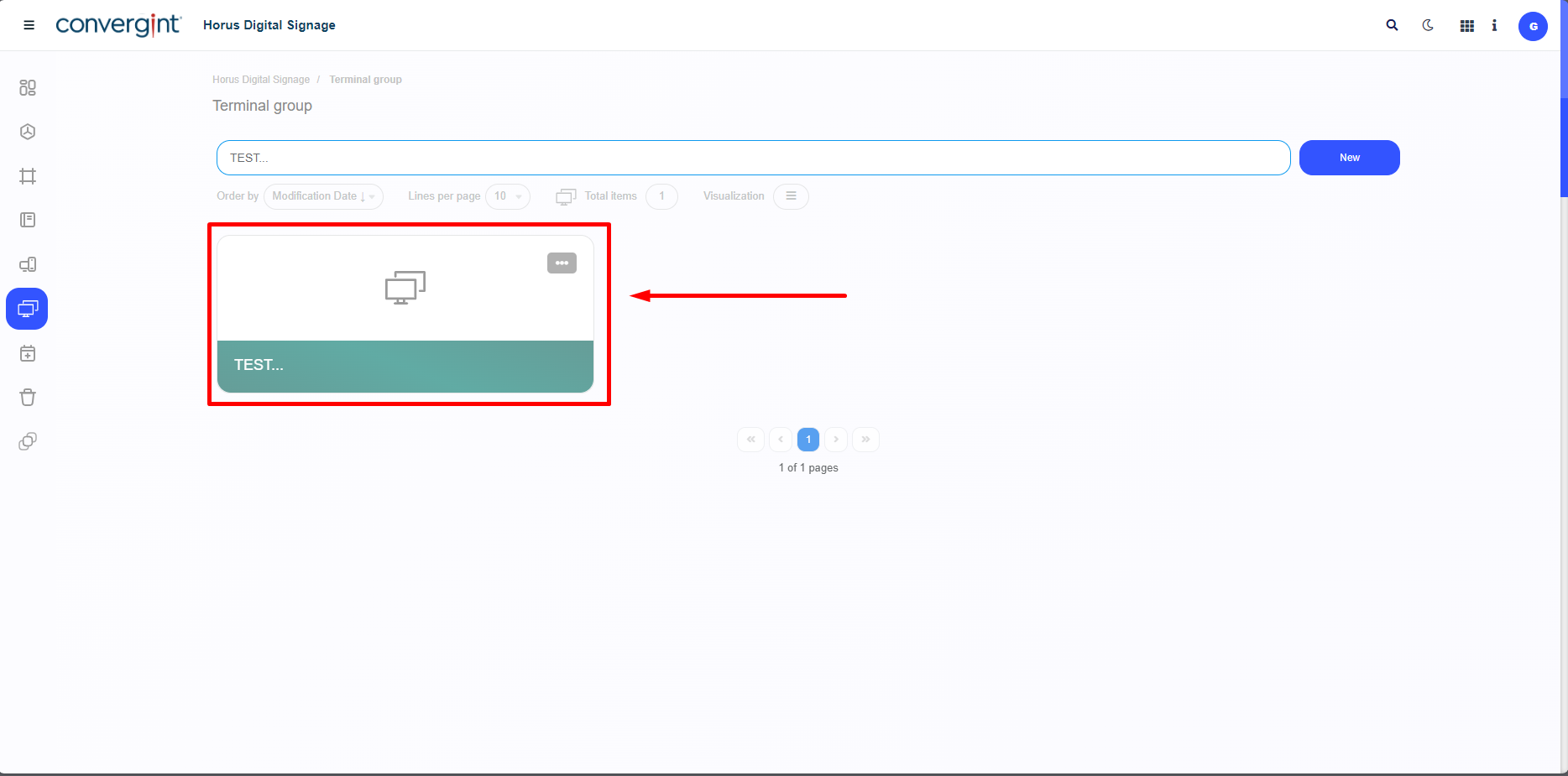
By following the previously mentioned process, the terminal group will be created. To continue adjusting the terminal group according to your preference, we will include main actions to be displayed later on the player. The first step to add a main action is to access a previously created terminal group where you want to include the type of main action (Campaigns or Scheduler).
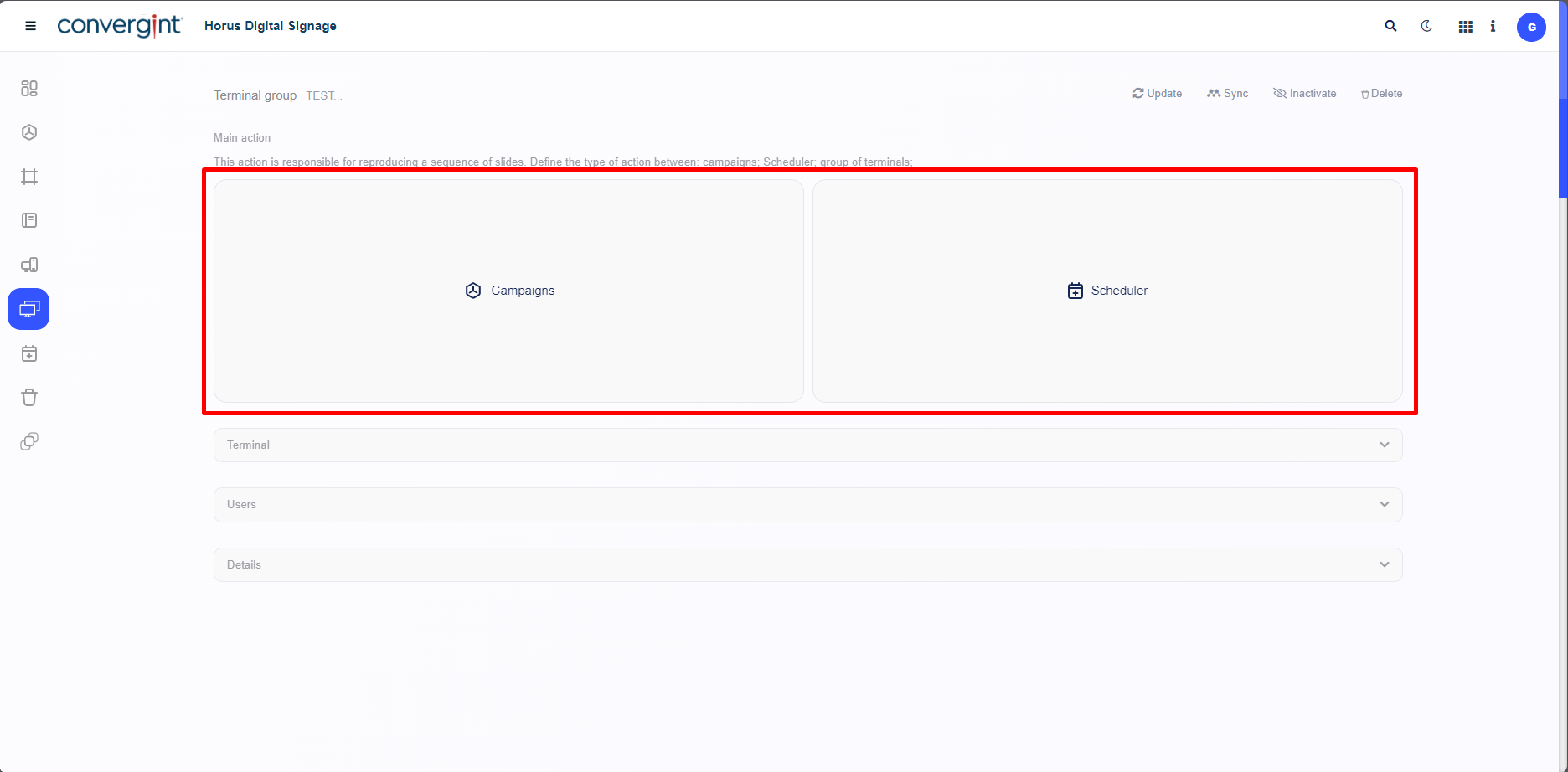
Upon accessing a previously configured terminal group with no prior records, the system will display the terminal group interface, where you can add a main action. The user can choose between a Campaign or a Scheduler. Each of these options has a specific functionality that influences how the previously inserted slides will be displayed. Remember that the procedure for all types of inclusion, regardless of the action, is the same.
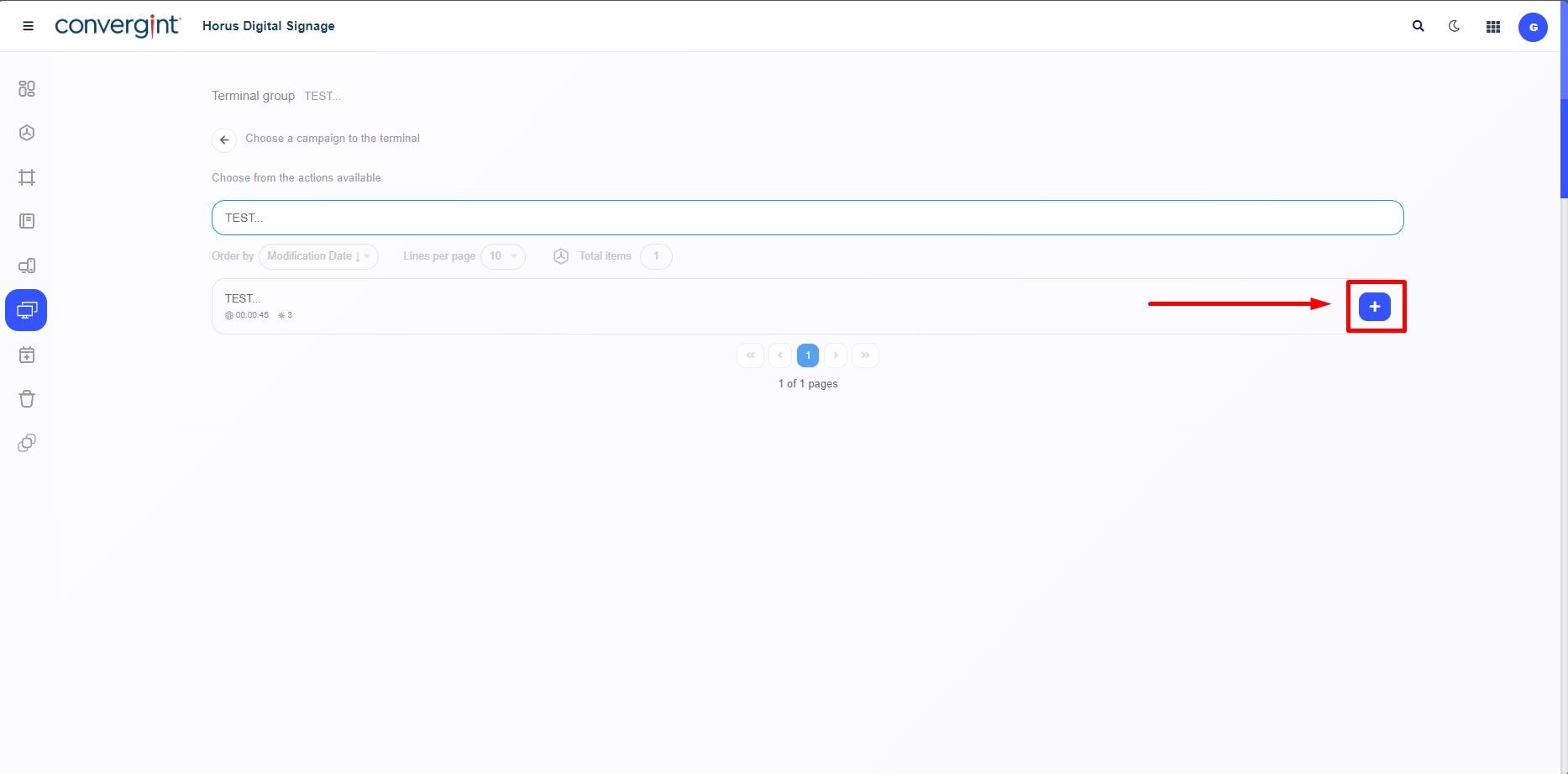
When choosing a main action according to your preference, the selection screen will display all available actions along with all previously registered items related to the chosen action. To add a listed item to the terminal, simply click the '+' button associated with the selected action. The included action should contain the specific adjustments and components previously added to the slide, according to your preference.
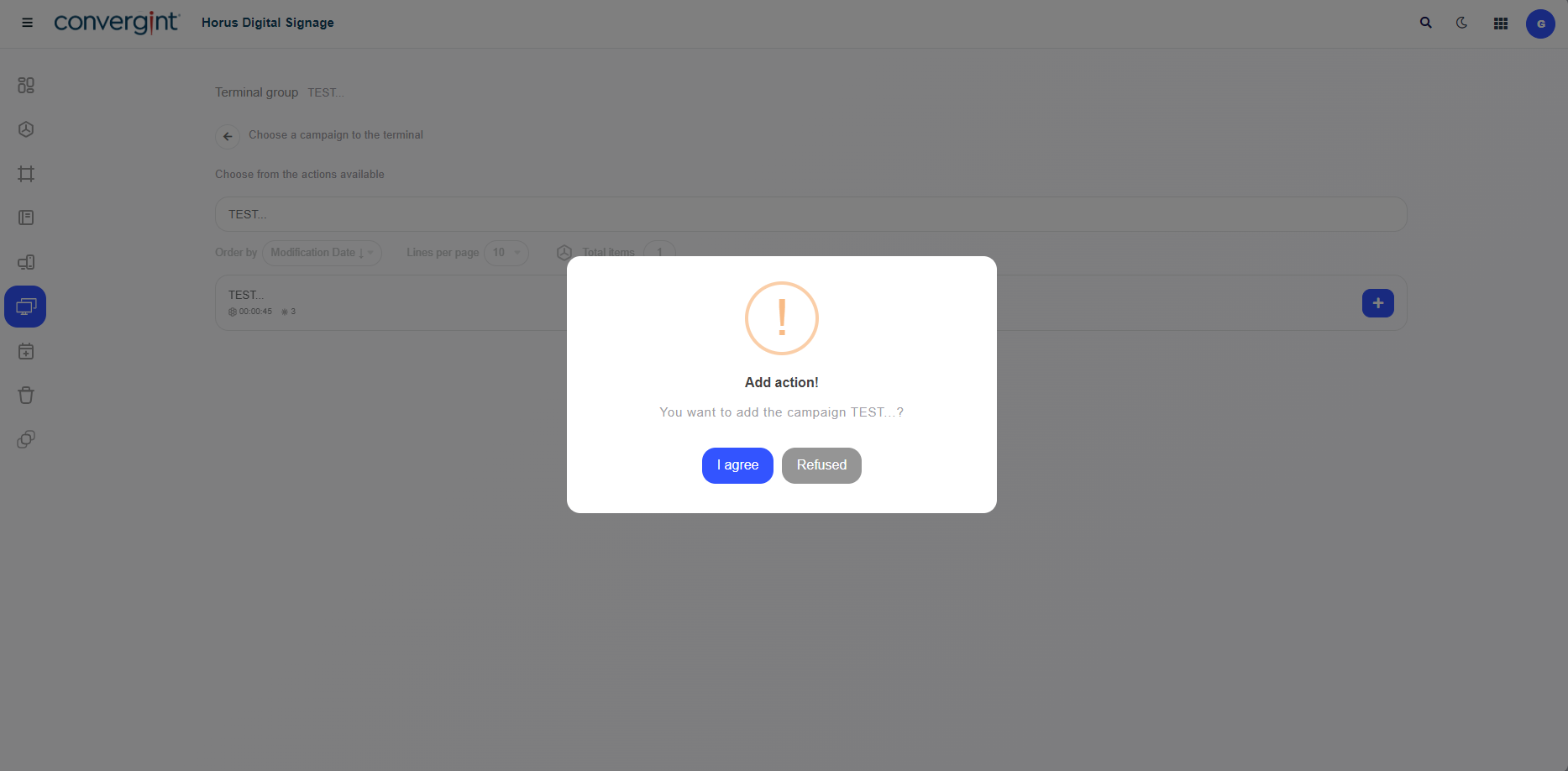
Upon selecting an item according to the chosen action, the system will display a pop-up asking for confirmation to include the action.
After confirming the inclusion of the item according to the previously selected action, the item will be added as a main action within the configured terminal group.