Uploading Files
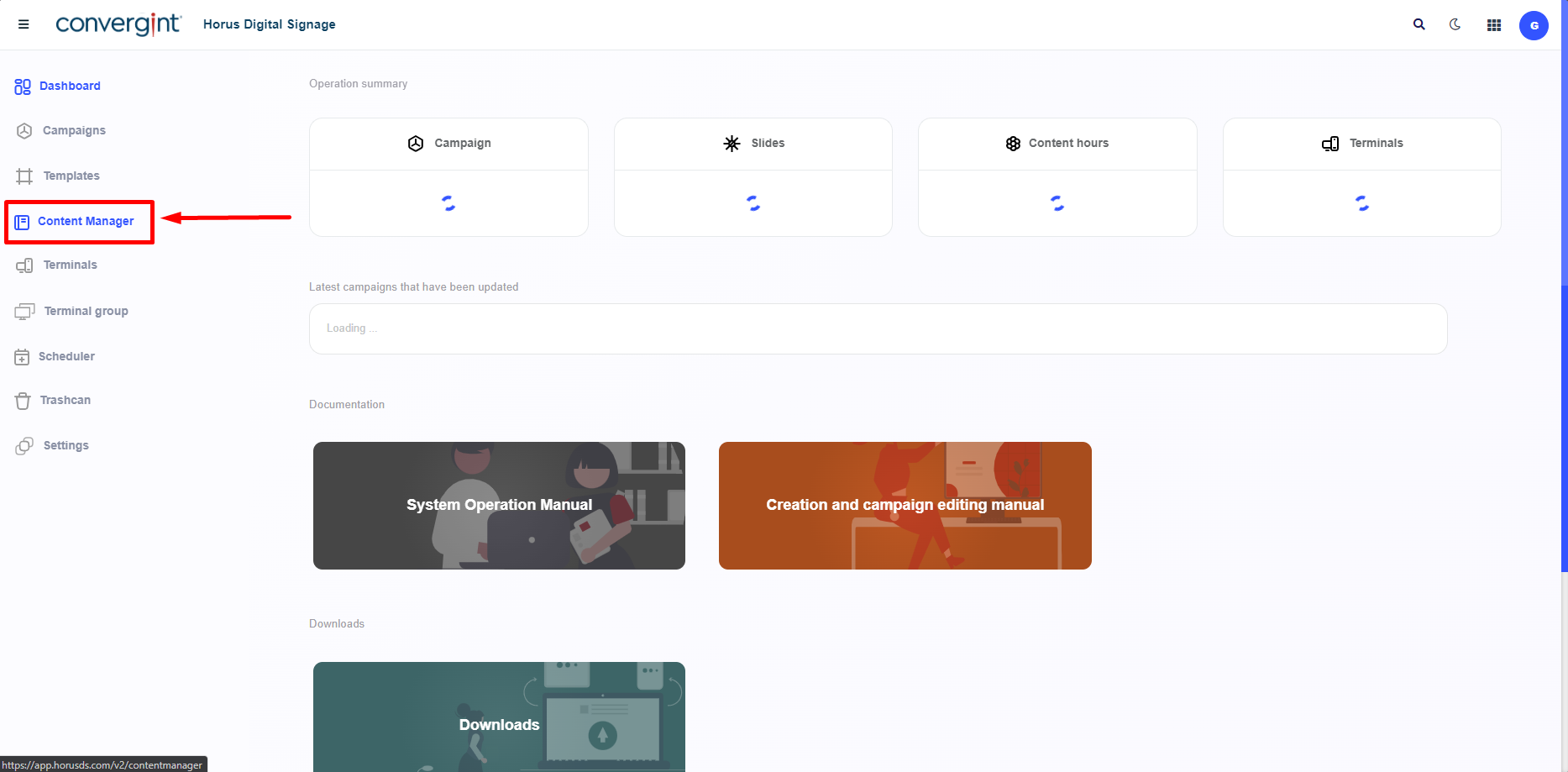
The first step to making the "Upload" is accessing the "Content Manager" tab. Within this tab, there are functions that allow for the management of media files, such as images and videos, thus facilitating the process of creating slides in Horus Digital Signage.
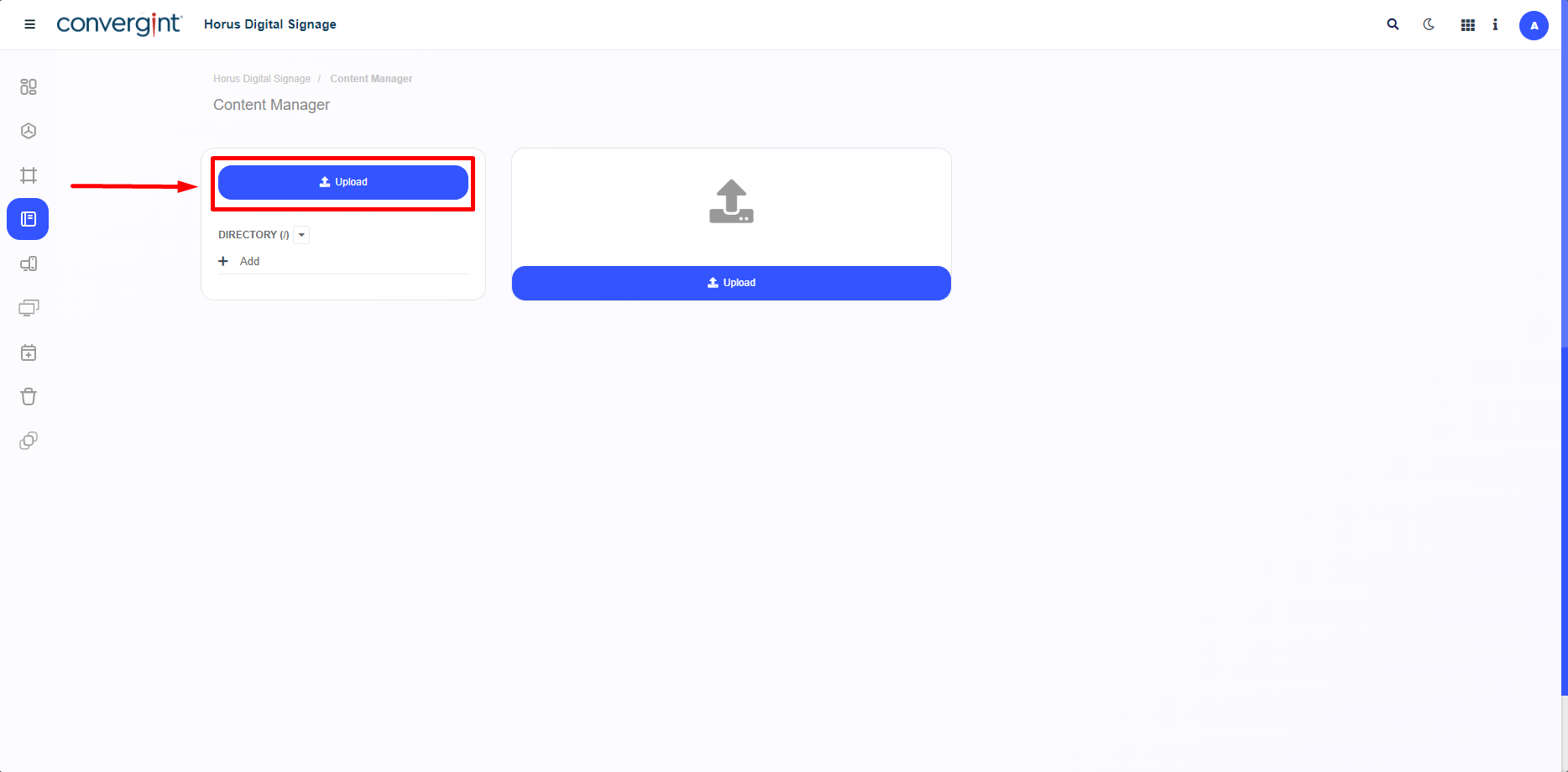
After accessing the Content Manager tab, the system will open a screen where we will first define, by clicking on "Upload," that if any content already exists, it should be listed on the right side of the interface.
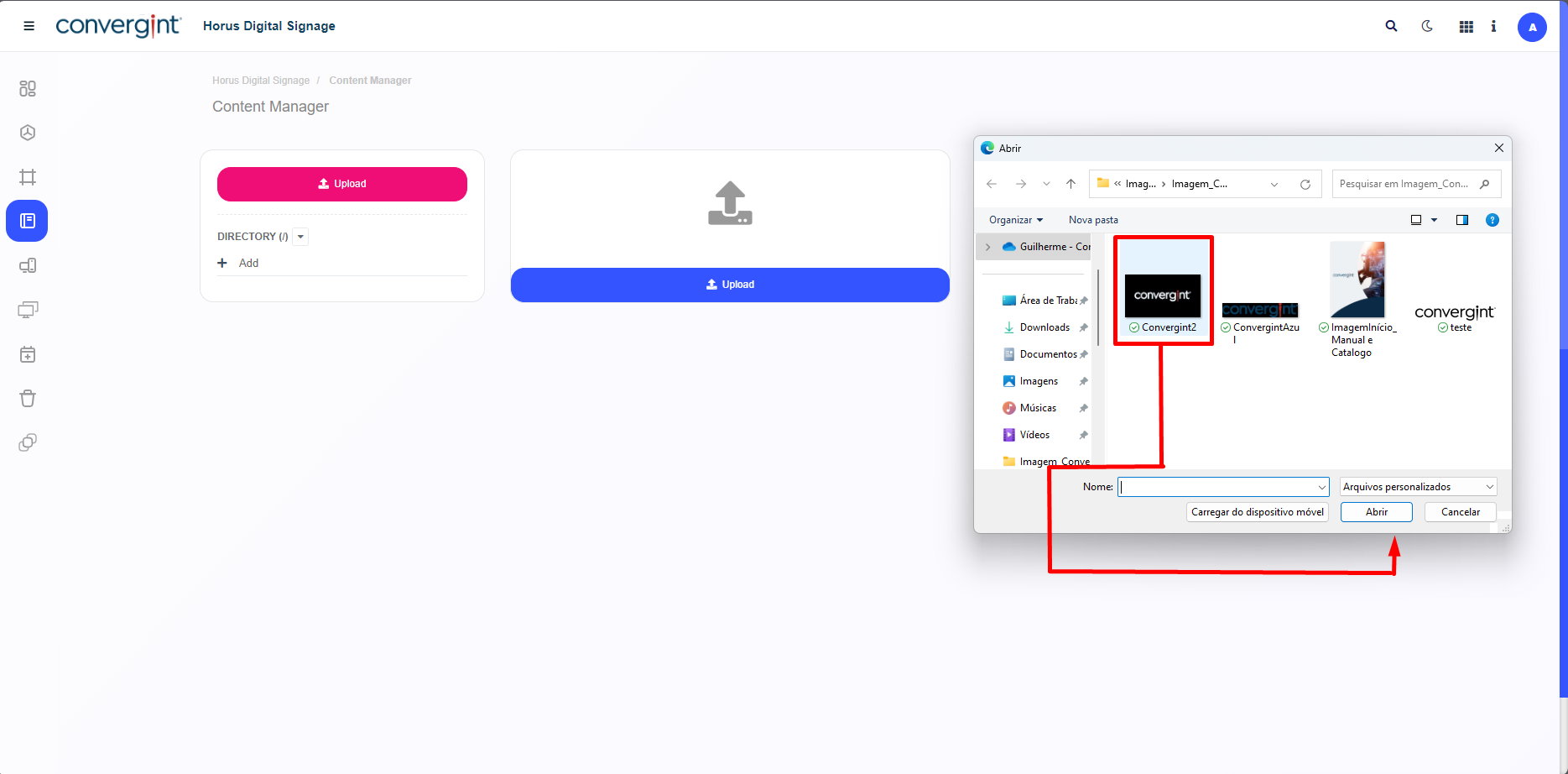
When clicking the "Upload" button, you will need to select a media file, such as an image or video, from your computer's file storage, and then click "Open," which will initiate the transfer of the file to Horus DS.
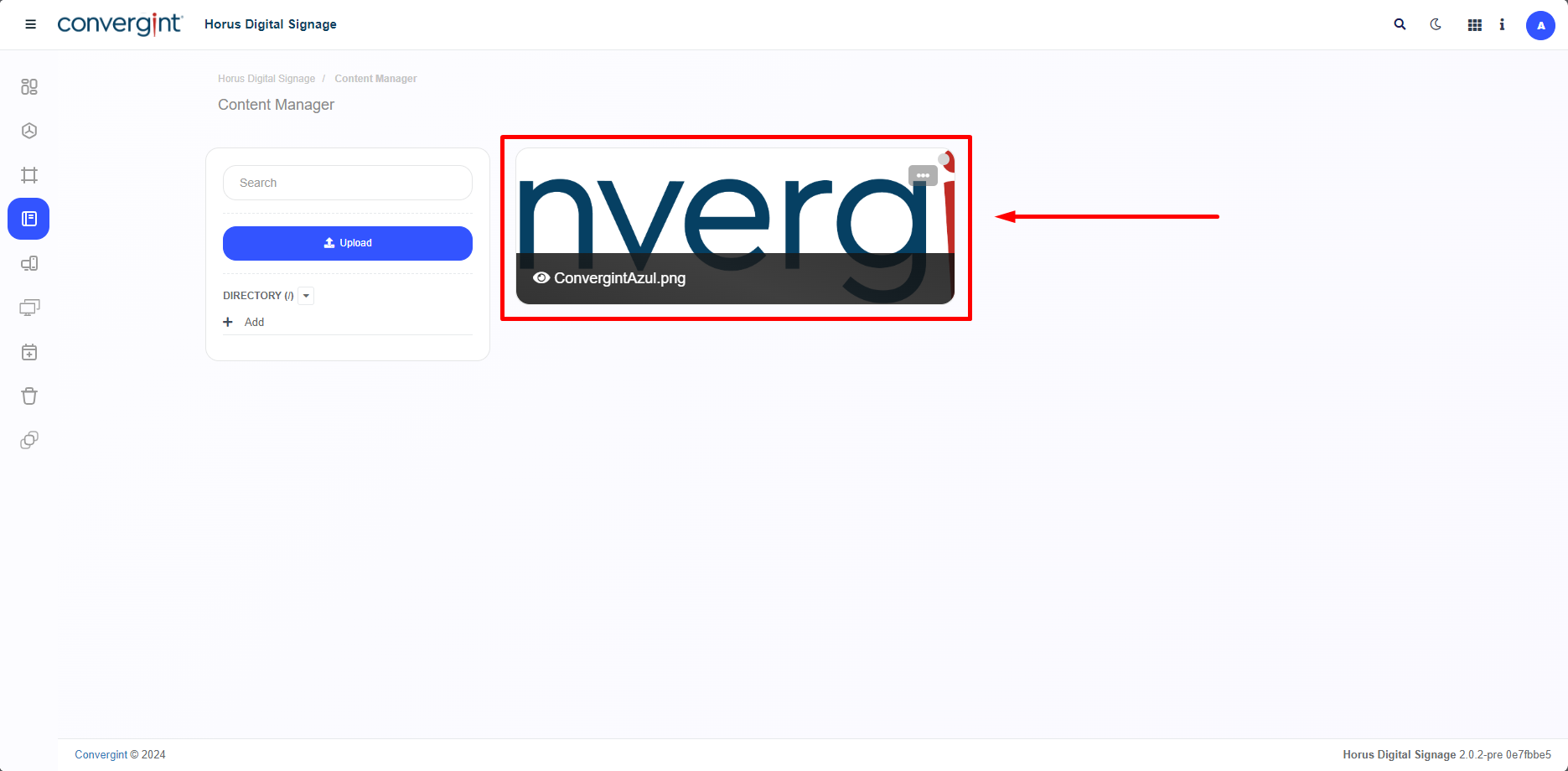
After that, the selected file will be added to the Content Manager.